especially if you're pairing to a new speaker. Give Air LP enough time to pair and pay attention
to the LED status light.
Power cycle Air LP and your speaker
Some Bluetooth speakers only enter pairing mode for a limited time when they're powered
on. Try turning both Air LP and your speaker OFF and then ON again before trying to pair
Make sure you are following the directions for your speaker
As mentioned above, some Bluetooth speakers enter pairing mode as soon as they are turned
on, but others may require you to press a "pairing" button or more. For more information
please reference the manual for your Bluetooth speaker.
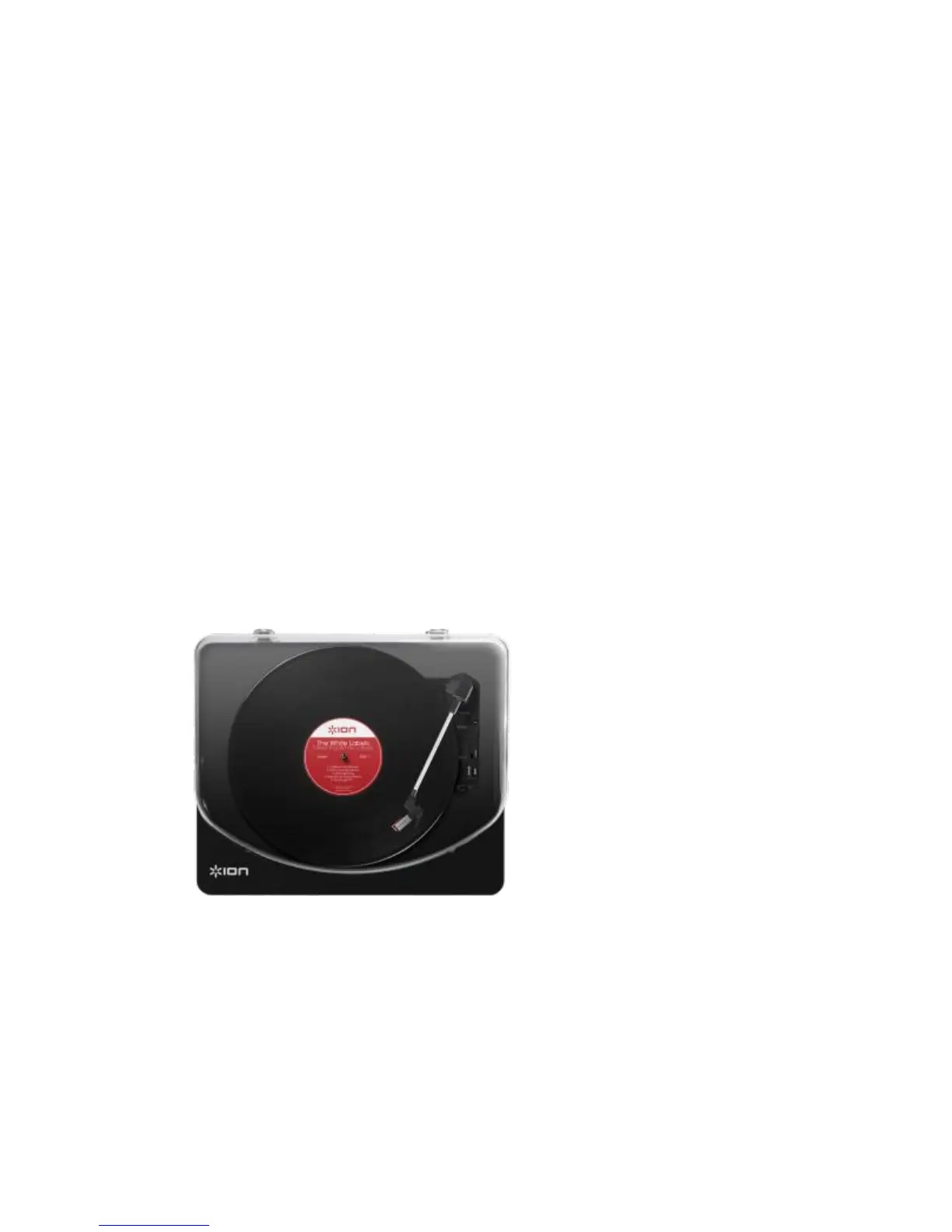
ION USB Turntables - Listening to records through the speakers on your Windows or Mac
Computer
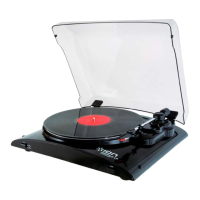
ION Audio USB Turntables make it incredibly easy to record your vinyl collection digitally to
your computer. With the included EZ Vinyl/Tape recorder software for Windows and Mac,
recording your collection digitally is as easy as a few clicks of the mouse.
Sometimes however, you just want to listen to your vinyl, without the need to record it or install
extra software.



 To Next Page