EN-13
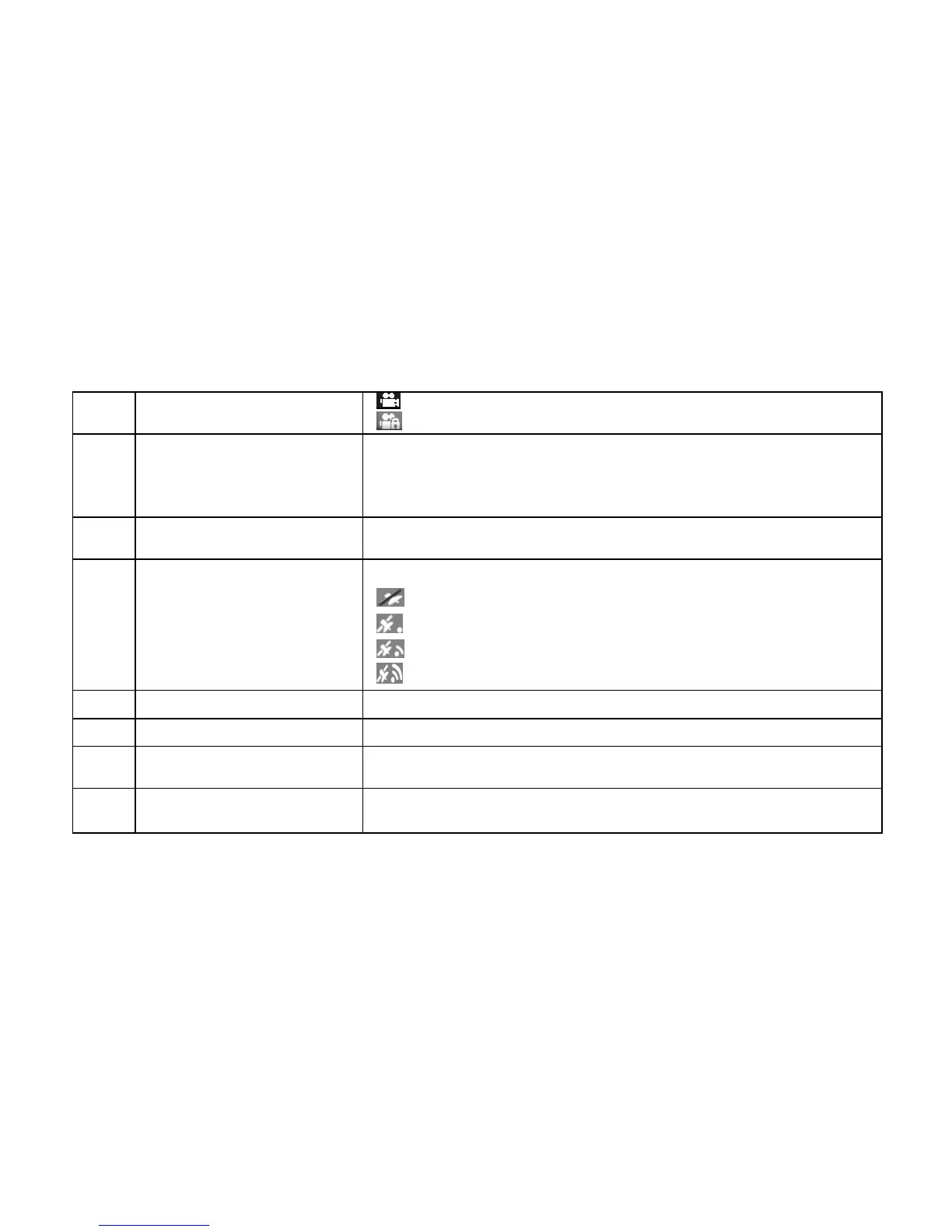
3 Mode Selected
Normal Loop Recording mode.
Event Protection Recording mode.
4 Video Resolution
Show the selected video resolution setting.
1296p (2304x1296 P30)
1080p ( 1920x1080 P30)
720p (1280x720 P30)
5 Microphone Status
Show the Microphone if it is on.
(Icon hidden if the Microphone is “off”.)
6 GPS Strength
Show the intensity of GPS signal.
No GPS reception
Weak GPS reception
Fair GPS reception
Strong GPS reception
7 Photo Counter Shows the number of photos that have been taken.
8 Total Photo Counter Shows the maximum number of photos that can be taken.
9
Event Protection Video
Counter
Show the number of Event Protection Videos that have been recorded.
10
Total Event Protection Video
Counter
Show the maximum number of Event Protection Videos that can be
taken.


 To Next Page