EN-20
7.6 Setup Menu
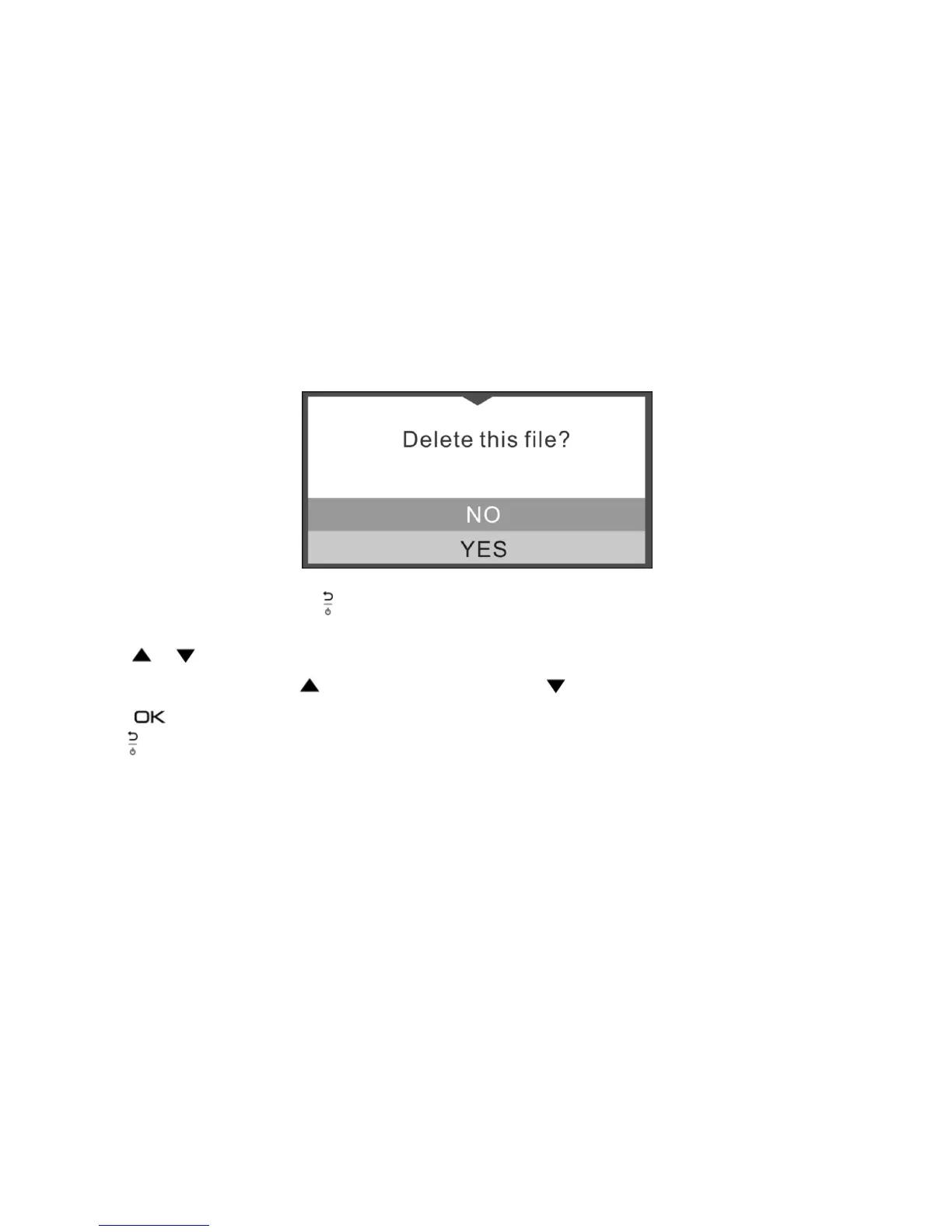
During Normal Loop Recording, press to enter the setup mode.
Follow the below three steps to enter setup screen for each Menu item:
1. Press or to select the Menu/Submenu item you want to set.
(In “Date/Time set” item, press to increase the number or press to decrease the number.)
2. Press to confirm your selection.
3. Press to return to previous interface.



 To Next Page