EN-23
8. Connecting Your DashCam to a Computer
You may also connect your DashCam to your computer and view videos and pictures on the computer monitor.
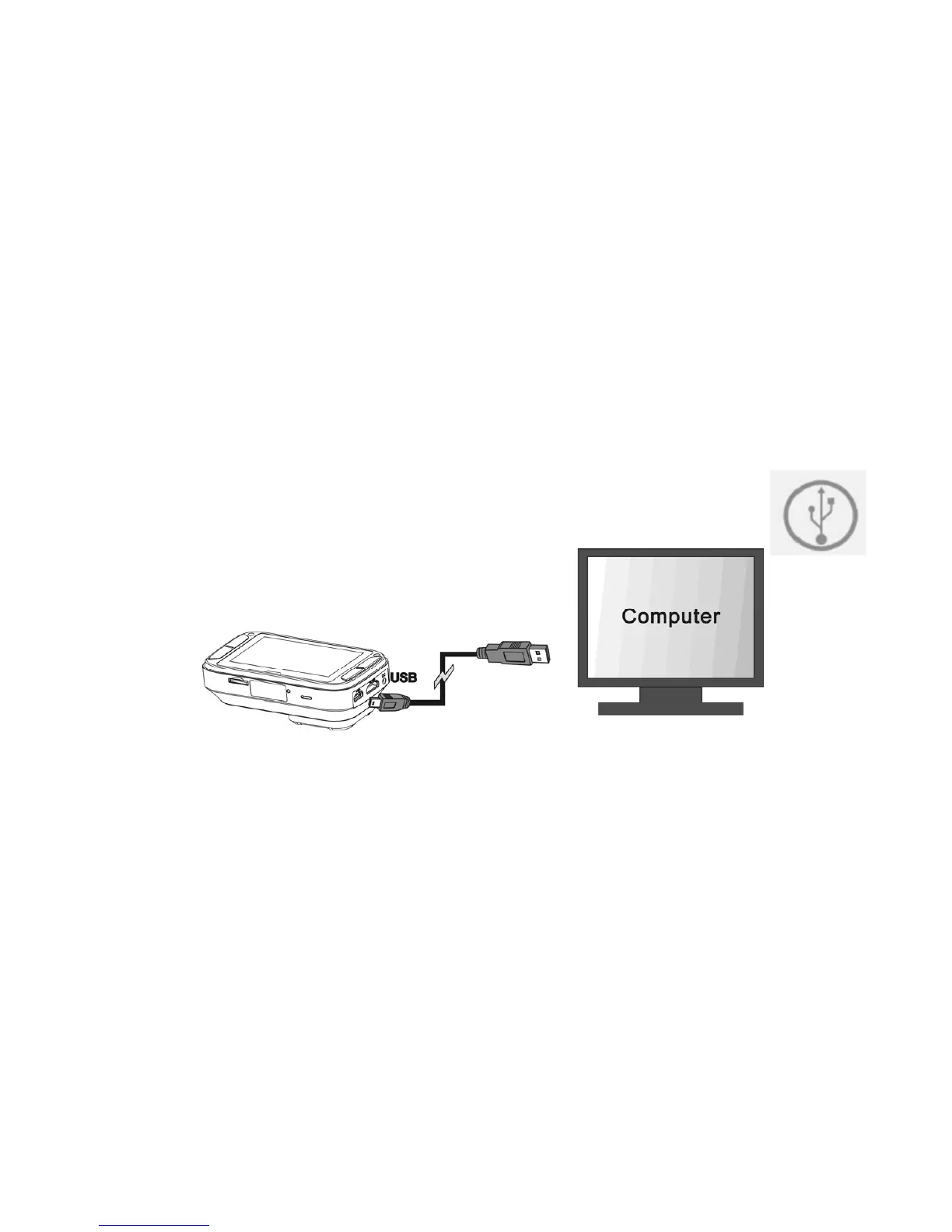
1. Connect your DashCam to your computer with a USB cable(included).
2. Your computer will recognize the DashCam as a “Removable Disk”. The USB icon will be
displayed on the LCD screen of your camera. Open the disk and go to relevant file folder to view,
import, copy, transfer or delete the videos or photos.
Note:
If the Removable Device Window did not launch automatically, go to your “My Computer/Computer” and find the device
under Removable Disk.


 To Next Page