3
Features
Top Panel
1
3
4
5
6
7 7
2
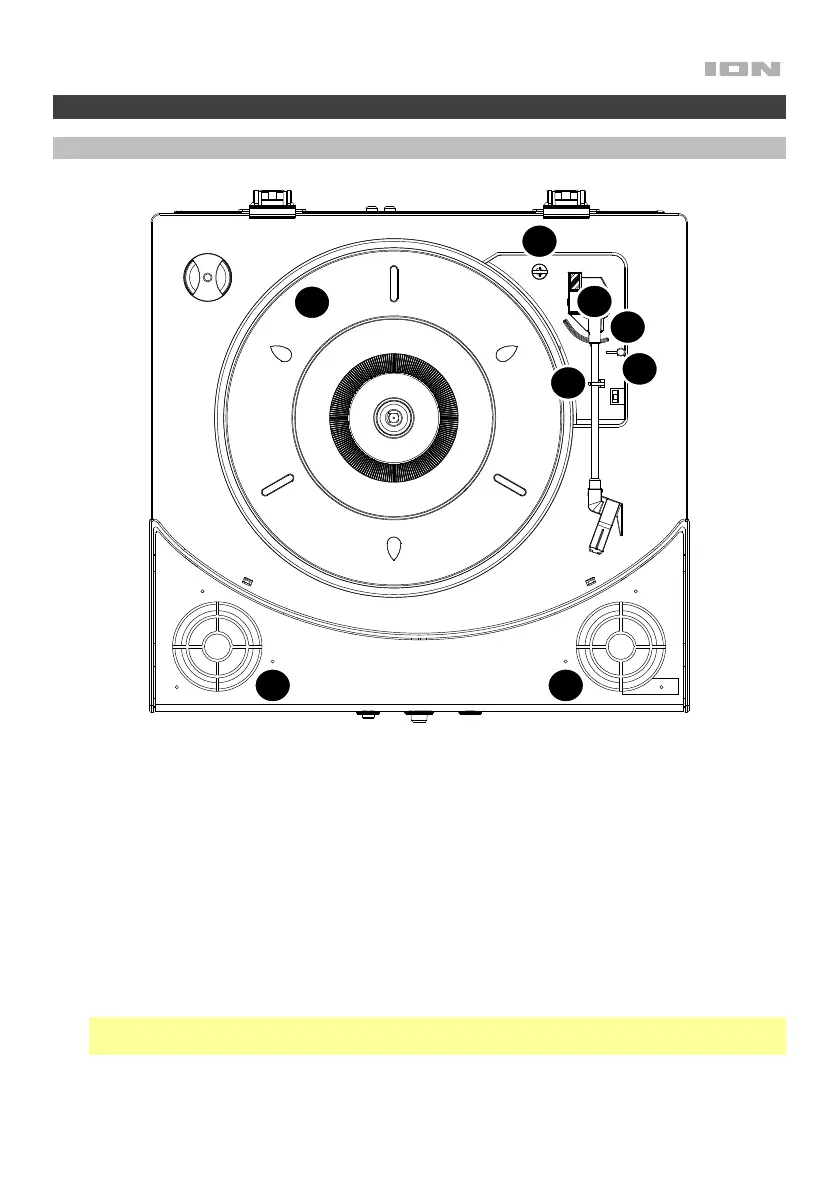
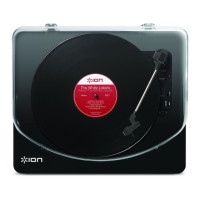
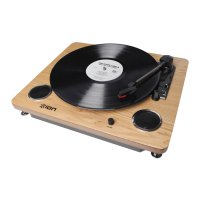
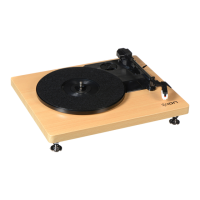
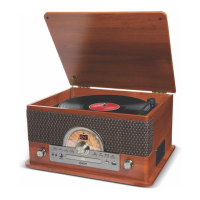
1. Platter: Place your record here.
2. 45 RPM Adapter Holder: Holds the included 45 RPM adapter. When not using the adapter,
please place it in this holder.
3. Tonearm: Tracks the groove in a vinyl record. When the tonearm reaches the center of a playing
vinyl record, it will automatically return to the arm rest.
4. Arm Clip: This specially designed arm clip secures the tonearm while at rest or when not in use.
The arm clip has been designed to remain in the up position while unlocked.
5. Raise / Lower Lever: Raises and lowers the tonearm.
6. 33 / 45 / 78 Switch: This switch controls the RPM of the turntable platter.
Note: For best results when playing 78 RPM vinyl records, use a 78 stylus (sold separately). Only
use a 78 stylus with 78 RPM vinyl records. Purchase a 78 RPM stylus at ionaudio.com.
7. Speakers: Plays the audio from your vinyl record and the Aux Input.


 To Next Page