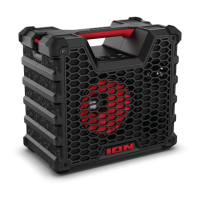
ION Audio Trailblazer™ Roar User Guide 18
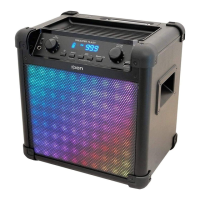
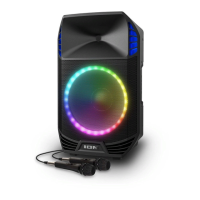
Light Modes
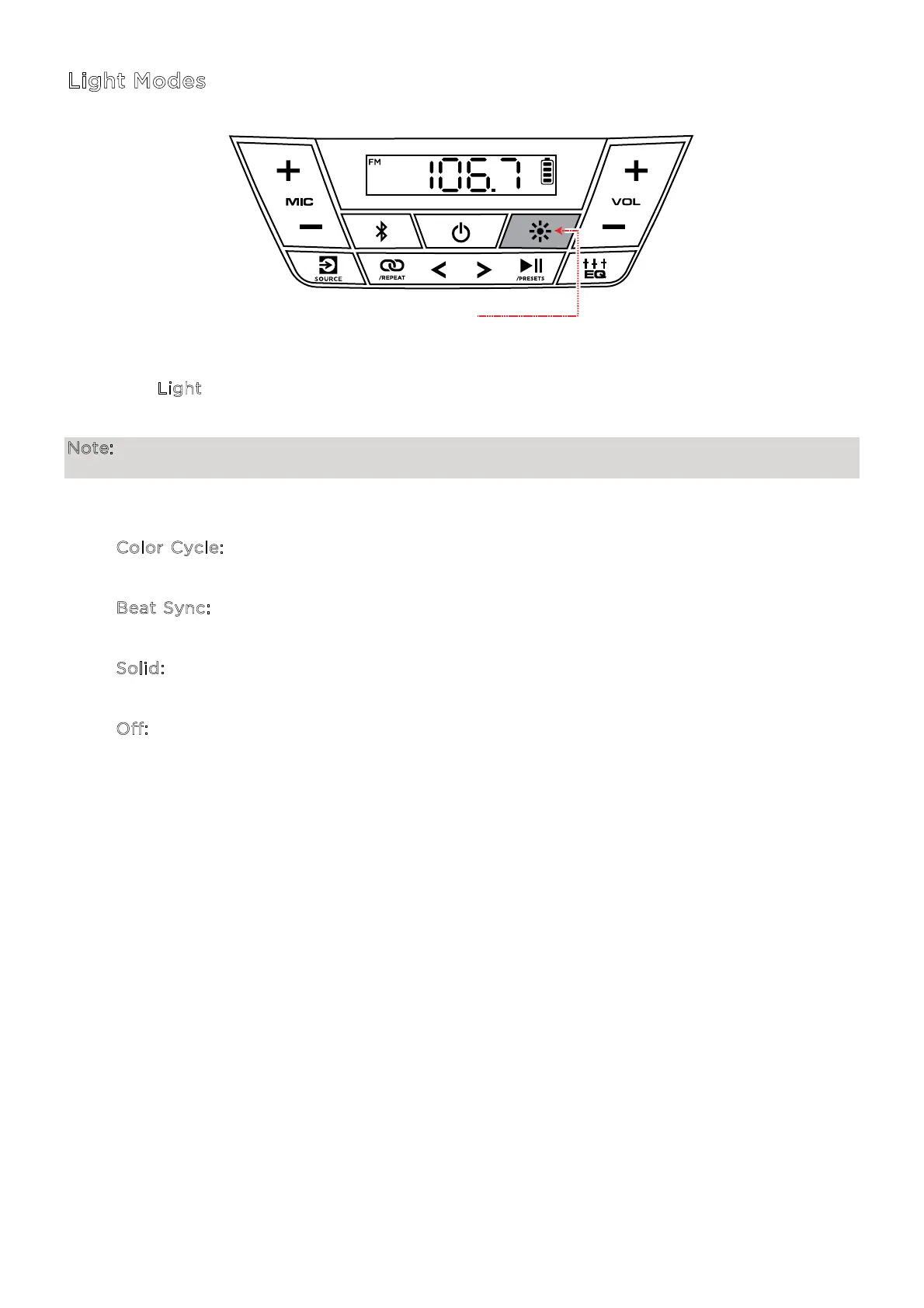
Press the L
ight button repeatedly to toggle between one of the modes for the LEDs on
Trailblazer™ Roar.
Note: For the best lighting eect, you may need to increase the volume of your connected
device or input source.
The LED light modes are:
• C
olor Cycle: All LEDs fade in and out starting with one color and cycling through the
color spectrum.
• B
eat Sync: All LEDs cycle through the spectrum of colors in sync with the beat of the
music.
• S
olid: All LEDs stay the same color (the color can be adjusted from the ION Sound
Control™ app). The default color is red unless changed in the ION Sound Control™ app.
• O
ff: All LEDs are o.
PRESS


 To Next Page