9
CLEANING & MAINTENANCE
Operation
Set up the Ionic Pro
®
ionic air purifier as described in “Getting Ready”. Press the
ON/OFF button to activate your ionic air purifier and get ready to enjoy clean,
ionized air that cycles through pre-programmed run/rest intervals according to the
setting you select.
The Ionic Pro
®
ionic air purifier automatically defaults to the HI (high/maximum
output) setting whenever the unit is turned on.
Just press the ON/OFF button one more time to select the MED (medium)
output setting to enjoy intermittent run/rest periods and press the ON/OFF
button once again if you wish to select the LO (low) output setting for the most
cost-effective run/rest cycle.
Press the ON/OFF button a fourth time to turn
the unit off.
The indicator LEDs light up to
indicate your current setting (LO, MED, HI).
Clean Light:
The red CLEAN light will turn on and the unit
will shut down if cleaning is overdue.
The Ionic Pro
®
ionic air purifier’s collection blades
must be cleaned after every month of use and the
internal ionizing wires must be cleaned after
every two weeks of use (see
“CLEANING & MAINTE-
NANCE” for full directions). Once the collection
blades are properly cleaned, thoroughly dried and
re-inserted into your Ionic Pro
®
ionic air purifier
and the internal ionizing wires are properly
cleaned, normal operations should continue. If
not, see
“DEEP CLEANING” and “TROUBLE-SHOOTING.”
8
OPERATING THE IONIC PRO
®
IONIC AIR PURIFIER
CLEANING & MAINTENANCE:
With very little effort, the Ionic Pro
®
ionic air purifier delivers cleaner, fresher,
healthier air to your indoor environments.
Keep your Ionic Pro
®
ionic air purifier functioning properly by cleaning the
collection blades after every month of use as recommended. The internal ionizing
wires are an important part of the Ionic Pro
®
air purifying system and need
to be cleaned after every two weeks of use or if your unit starts to make a buzzing
noise (see “TO CLEAN IONIZING WIRES” and “DEEP CLEANING” sections).
More frequent cleaning is often required if your Ionic Pro
®
ionic air purifier is new
or if you place it in a different location. Exposing your Ionic Pro
®
ionic air purifier
to candle/oil lamp/fireplace soot and smoke is not recommended and will require
the collection blades to be cleaned after every exposure (see “IMPORTANT WARNINGS”).
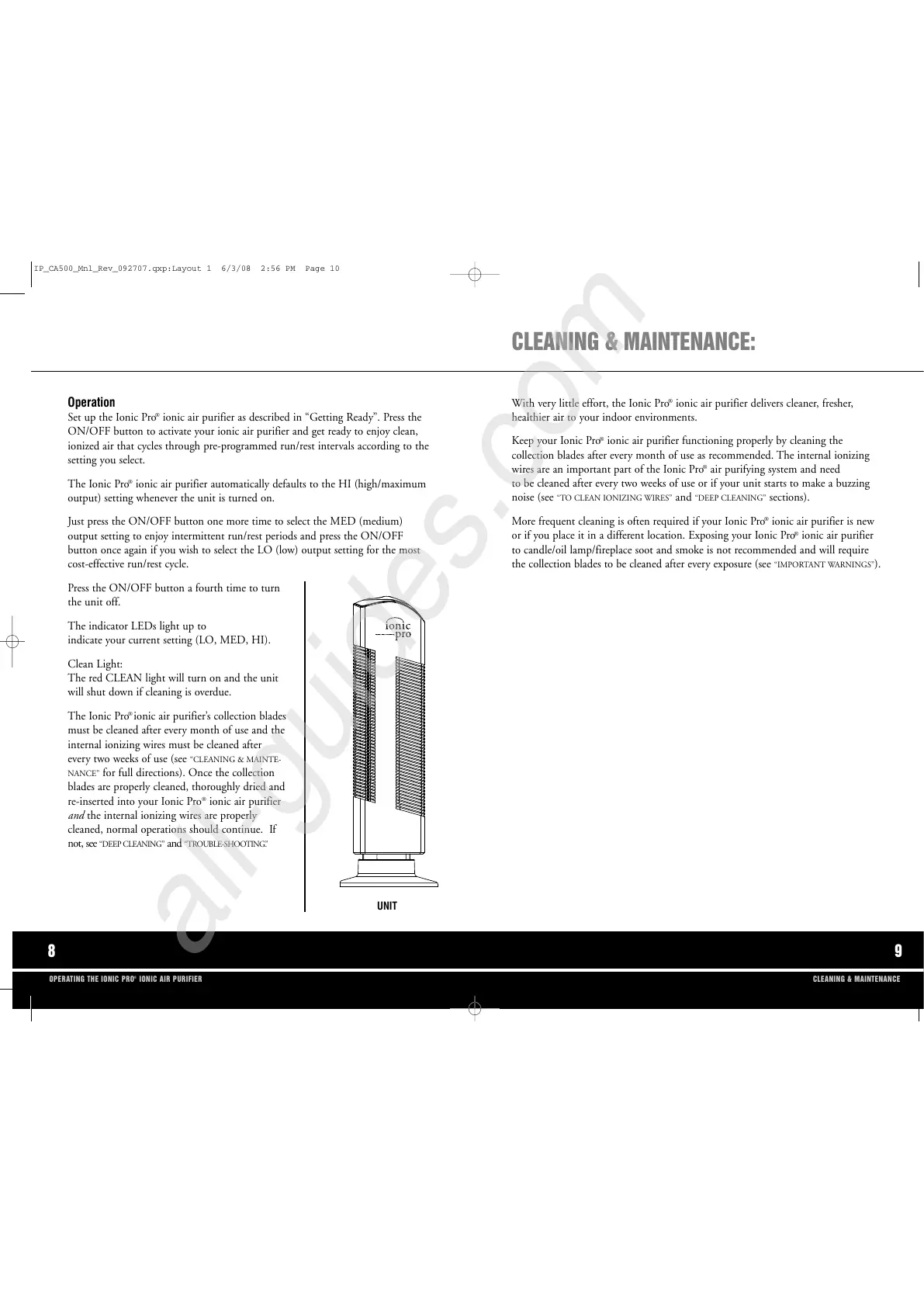
UNIT
IP_CA500_Mnl_Rev_092707.qxp:Layout 1 6/3/08 2:56 PM Page 10



 To Next Page