EasyManua.ls Logo

Ionic Pro CA200 - User Manual

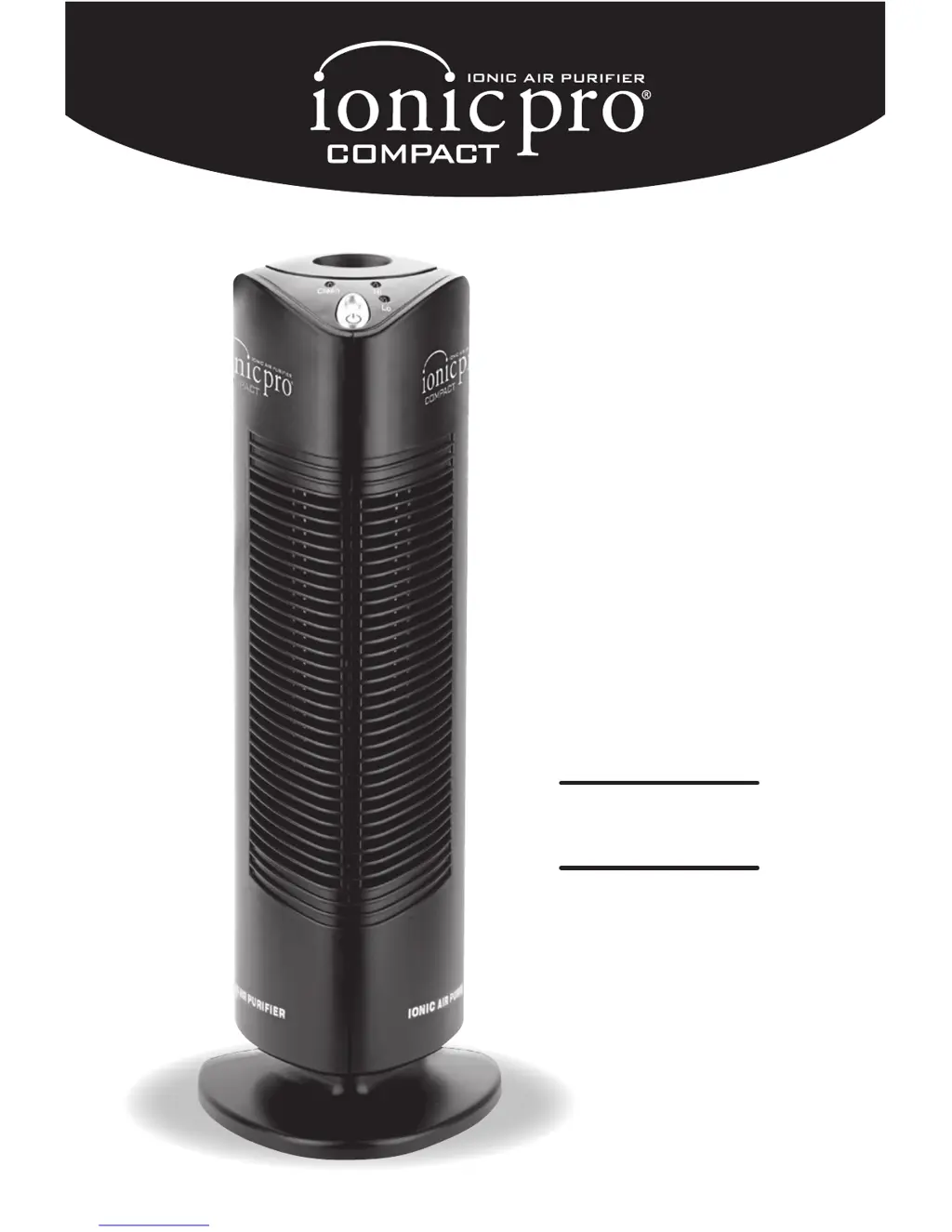
Ionic Pro CA200
11 pages
Print Icon
To Next Page IconTo Next Page
Loading...
CA200
Owner
s
Manual

Questions and Answers

  • T
    Teresa HoganJul 27, 2025
    What to do if the red CLEAN light is on or the Ionic Pro CA200 Air Cleaner shuts down?
    • R
      Ronald SchmittJul 27, 2025
      If the red CLEAN light is on or your Ionic Pro Air Cleaner shuts down, it could be due to accumulated dust, unstable AC input, moisture on the collection blades, or the unit simply needing a reset. Try turning off the unit, unplugging it, and lifting the lever to the wire cleaning mechanism to clean the ionizing wires. Allow the unit to rest to return to a normal temperature and moisture level before turning it on again. You may also need to press the “ON” button to reset the unit.
  • A
    Andrew SanchezAug 7, 2025
    What to do if collection blades of Ionic Pro CA200 do not go back in?
    • L
      Lisa FreemanAug 7, 2025
      If the collection blades of your Ionic Pro Air Cleaner do not go back in, it might be due to improper orientation. Try reversing the blade orientation.
  • D
    David AndersonAug 15, 2025
    Why is my Ionic Pro CA200 making excessive noise?
    • M
      Matthew JonesAug 16, 2025
      Excessive noise from your Ionic Pro Air Cleaner can be caused by collection blades not being installed properly, too much accumulated dust, or wet internal parts. Remove and replace the collection blades, then press the “On” button. Also, thoroughly clean and dry the blades and ionizing wires, and ensure you keep the machine dry.

Summary

Product Benefits

Safety Instructions

Extremely Important Information

Key safety precautions for operating electrical appliances.

Important Warnings

Main Parts

Identifies the key components of the Ionic Pro® Compact air purifier.

Operating the Ionic Pro Compact Ionic Air Purifier

Getting Ready

Steps to prepare the air purifier for operation.

Controls;Settings

Explanation of the unit's buttons and indicator lights.

Operating the Ionic Pro Compact Ionic Air Purifier

Operation

How to turn the unit on, off, and select operating modes.

Clean Light

Indicates when the unit requires cleaning or is malfunctioning.

Cleaning & Maintenance

To Clean the Collection Blades

Step-by-step guide for cleaning the collection blades.

To Clean the lonizing Wires

Instructions for cleaning the internal ionizing wires using the mechanism.

Cleaning & Maintenance

Deep Cleaning

Procedure for a thorough cleaning when the unit is noisy or overdue for service.

Cleaning External Surfaces

How to clean the exterior of the air purifier.

Trouble-Shooting

More Things You Should Know

Important Information For Your Health

Information on ozone emissions and health considerations.

Ordering Ionic Pro Ionic Air Purifiers

Information on purchasing additional air purifiers.

Ordering Extra Collection Blades

How to order replacement collection blades.

One Year Limited Warranty

Arbitration Agreement

Ionic Pro CA200 Specifications

General IconGeneral
Product TypeAir Purifier
ModelCA200
TechnologyIonic
Voltage120V
Coverage Area500 sq ft

Related product manuals