11
CA200
12
CA200
TROUBLE-SHOOTING
DEEP CLEANING
Noisy functioning (audible loud buzzing sound) is a sign that
your Ionic Pro® Compact ionic air purifier is overdue for a complete
clean-up of the collection blades and the internal ionizing wires.
The internal ionizing wires must be kept clean to ensure silent
and normal operation.
To Deep Clean:
1. Before beginning, make sure you have read all of the safety
precautions and cleaning instructions located in the “SAFETY
INSTRUCTION”, “IMPORTANT WARNINGS”, and “CLEANING
& MAINTENANCE” sections of this owner’s manual.
2. First, turn OFF and unplug your Ionic Pro® Compact ionic
air purifier.
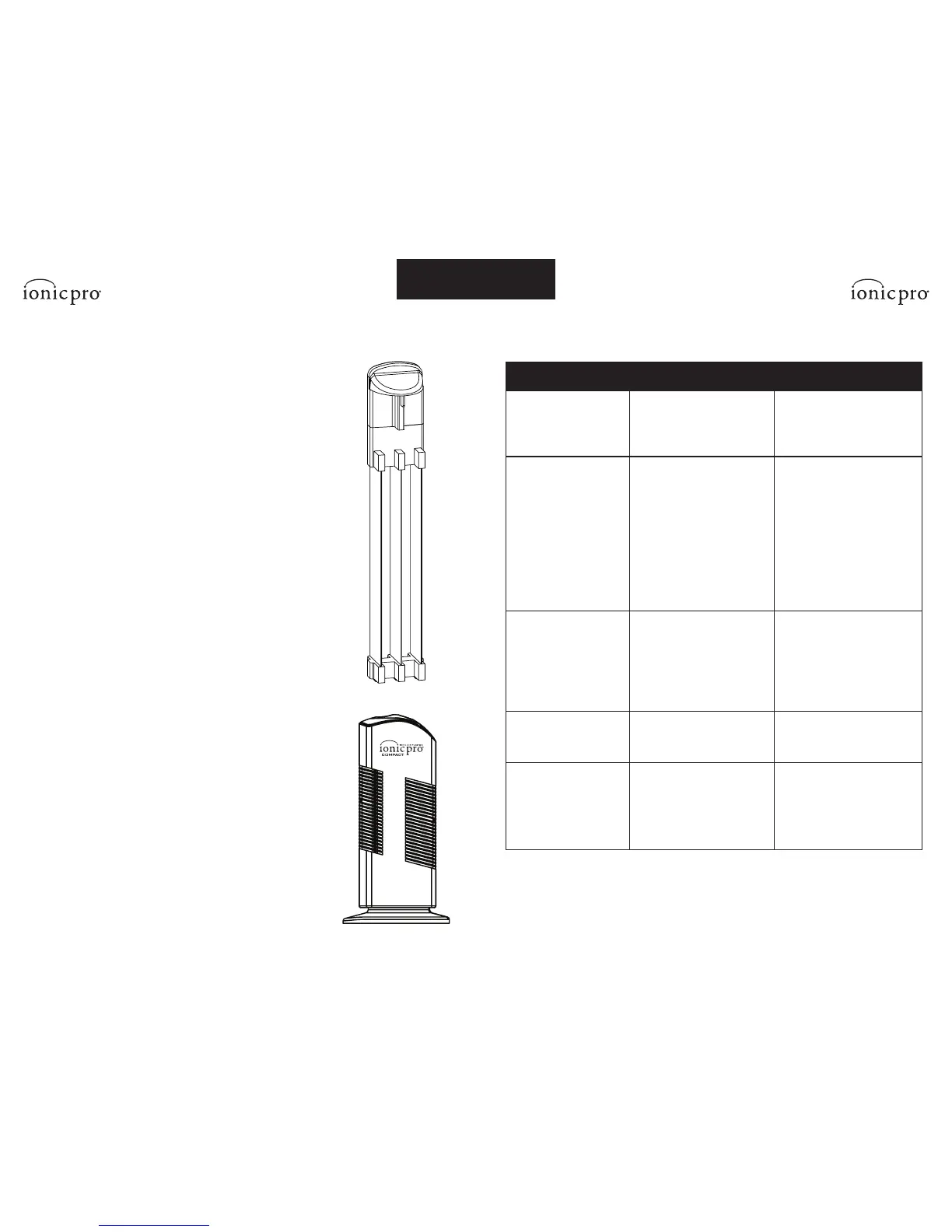
3. Let it rest for a minute before removing the collection blades
as described in the “To Clean the Collection Blades” section of
this manual.
4. Use a cloth and warm, sudsy water to wipe away dirt particles
on the blades’ surfaces and edges.
5. Rinse and let the blades dry thoroughly for 24 hours before
re-inserting them into your Ionic Pro® Compact ionic air purifier.
If desired, you can purchase a second set of collection blades to
use while the original blades are drying to allow for virtually
uninterrupted air purification. (See the “ORDERING EXTRA
COLLECTION BLADES” section of this owner’s manual for details.)
6. Clean the ionizing wires as described in the “To Clean the Ionizing
Wires” section of this manual.
Cleaning External Surfaces
Over time, some particles and dust may accumulate on the
external surfaces of your Ionic Pro® Compact ionic air purifier.
If this happens:
1. Turn off and unplug the unit.
2. Mix one ounce of soap or detergent with five ounces of water
and apply sparingly with a moist sponge to wipe the outer
case surfaces.
3. Do not allow any water to slip into the internal parts of the Ionic Pro®
Compact ionic air purifier as this could damage its functioning and
may result in injury to you.
4. Allow the unit to dry for at least 24 hours before resuming use.
CLEANING & MAINTENANCE
TROUBLE REASON TROUBLE-SHOOTING
Indication/Setting light
does not turn on.
Machine is unplugged.
ON/OFF button has not
been pressed.
Check if plug is loose.
Press the ON/OFF button.
Red CLEAN light is on or
the unit shuts down.
Too much dust has
accumulated.
AC input unstable or
overloaded.
Moisture on collection blades.
Red light may go on if the unit
just needs to be “reset”.
Turn off, unplug & lift the lever
to the wire cleaning mechanism
to clean the ionizing wires.
Turn off, allow unit to rest
a while to return to normal.
Temperature & moisture level
and then turn on again.
Press “ON” button to reset.
Excessive noise
generated.
Collection blades are not
installed properly.
Too much dust has
accumulated.
Internal parts are wet.
Remove & replace collection
blades & press “On” button.
Clean and dry blades and
ionizing wires thoroughly.*
Keep the machine dry.
Collection blades
do not go back in.
Improper orientation. Reverse blade orientation.
Indication light
does not go on.
Collection blades are not
completely inserted
Wire Cleaning Mechanism is
not completely inserted.
Check to see that the blades are
completely seated in housing
Check to see that Wire Cleaning
Mechanism is completely seated
in housing.
*See “CLEANING & MAINTENANCE” section.
Ozone and Your Health
After you activate your Ionic Pro® Compact ionic air purifier, you may notice a new clean scent.


 To Next Page