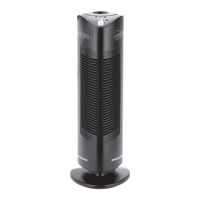
6 7
OPERATING THE IONIC PRO
®
TURBO
AIR PURIFIER
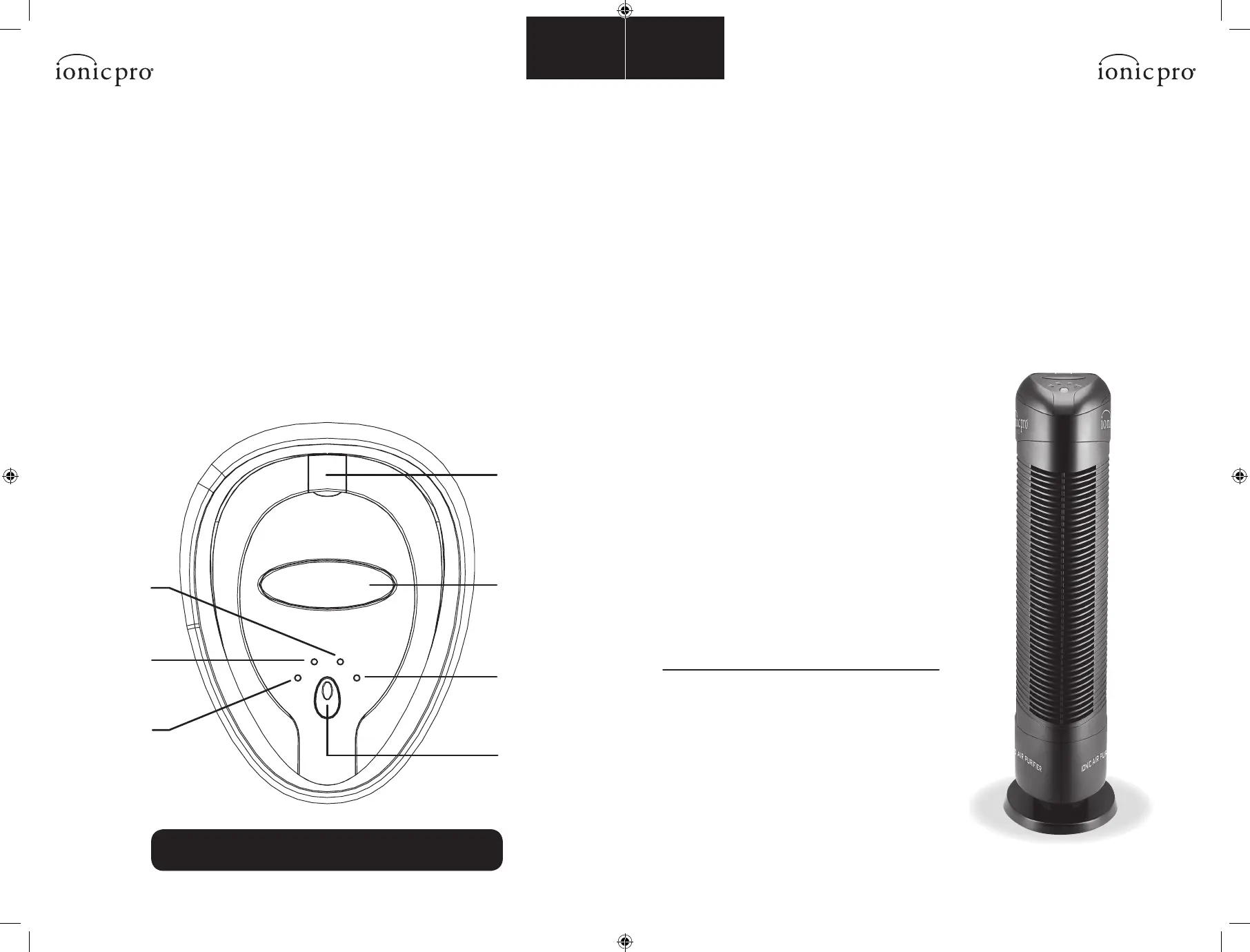
Controls/Settings
1. ON/OFF BUTTON Turns unit on and off.
A LOW –This is the most cost-effective setting. Ideal for medium sized rooms,
where windows & doors rarely open.
B MED –Recommended for medium to large-sized rooms.
C HI –This maximum output setting is recommended for medium to large rooms
and/or areas exposed to heavy dust.
D CLEAN –This red light goes on when your Ionic Pro® Turbo ionic air
purifier needs to be cleaned, or the unit is experiencing some other problem.
See “TROUBLE-SHOOTING” section.
Selecting Settings
1. Set up the Ionic Pro® Turbo ionic air purifier
as described in “Getting Ready”.
2. Press the ON/OFF button to activate your
ionic air purifier and get ready to enjoy clean,
ionized air.
3. The Ionic Pro® Turbo ionic air purifier
automatically defaults to the HI (high/maximum
output) setting whenever the unit is turned on.
4. Just press the ON/OFF button one more time to
select the MED (medium) output setting and
press the ON/OFF button once again if you wish
to select the LOW output setting.
5. Press the ON/OFF button a fourth time
to turn the unit off.
6. The indicator LEDs light up to indicate your
current setting (LOW, MED, HI).
Clean Light:
The red CLEAN light will turn on and the unit will shut
down if cleaning is overdue or AC input is unstable.
The Ionic Pro® Turbo ionic air purifier’s collection
blades must be cleaned after every month of use and
the internal ionizing wires must be cleaned at the
same time. (See “CLEANING & MAINTENANCE” for
full directions.) Once the collection blades are properly
cleaned, normal operation should resume.
OPERATING THE IONIC PRO
®
TURBO
AIR PURIFIER
To view the instructional video, visit envionproducts.com.
The video is located on the Ionic Pro® Turbo product page.
ON/OFF
button
CLEAN
wire cleaning
mechanism
OPEN
main door
CLEAN
indication
light
HIGH
output light
MED
output light
LOW
output light
Getting Ready
Locate a level surface on which to place Ionic Pro® Turbo ionic air purifier and a grounded 120v
outlet. (Follow warnings described in the “SAFETY INSTRUCTIONS” section of this manual.) Position
your Ionic Pro® Turbo ionic air purifier at least one foot (12 inches) from the wall. Plug in the unit.
You are now ready to turn on your Ionic Pro® Turbo ionic air purifier!
1. ON/OFF Button
a. LOW – output indication light (LOW)
b. MEDIUM – output indication light (MED)
c. HIGH – output indication light (HI)
d. CLEAN – indication light (CLEAN)
2. CLEAN – wire cleaning mechanism
3. OPEN – main door button
4. CLEAN – Indication light


 To Next Page