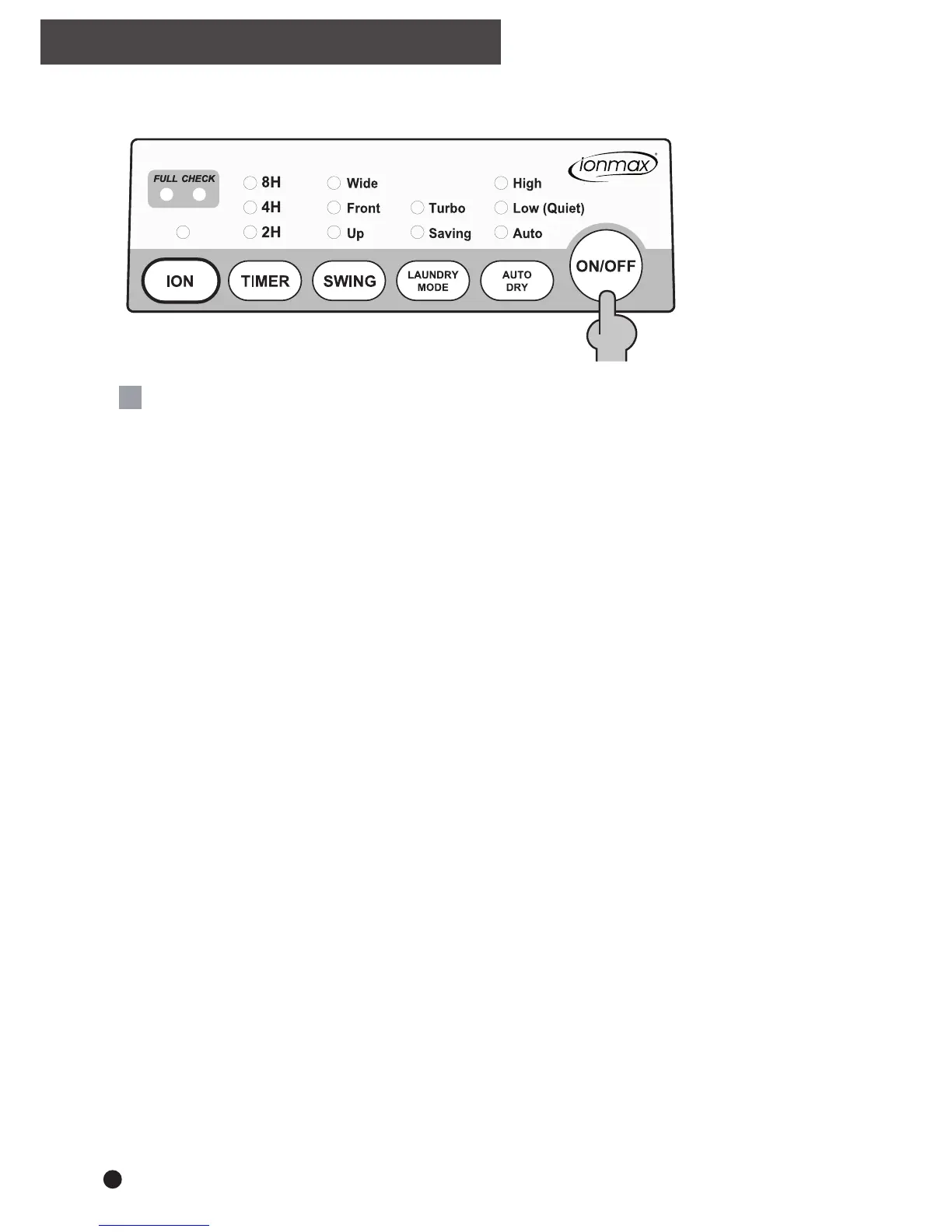
ON and OFF
Connect the power plug to the appropriate electrical socket outlet.
Press the ON/OFF button to turn the appliance ON.
Press the ON/OFF button again to turn the appliance OFF.
Note: In the event of a power failure
Once the power is restored after a power failure, the appliance will continue to operate at the
selected settings prior to the power failure.
This includes the drying mode, swing function and time remaining in timer mode.
Note: After turning the appliance OFF
After turning the appliance OFF using the ON/OFF button, the fan will continue to run for a two
minute period. This is a normal procedure and helps to cool & protect the internal components.
During this two minutes DO NOT remove the power plug from the electrical socket outlet;
wait for the fan to stop running.
6
OPERATING INSTRUCTIONS


 To Next Page