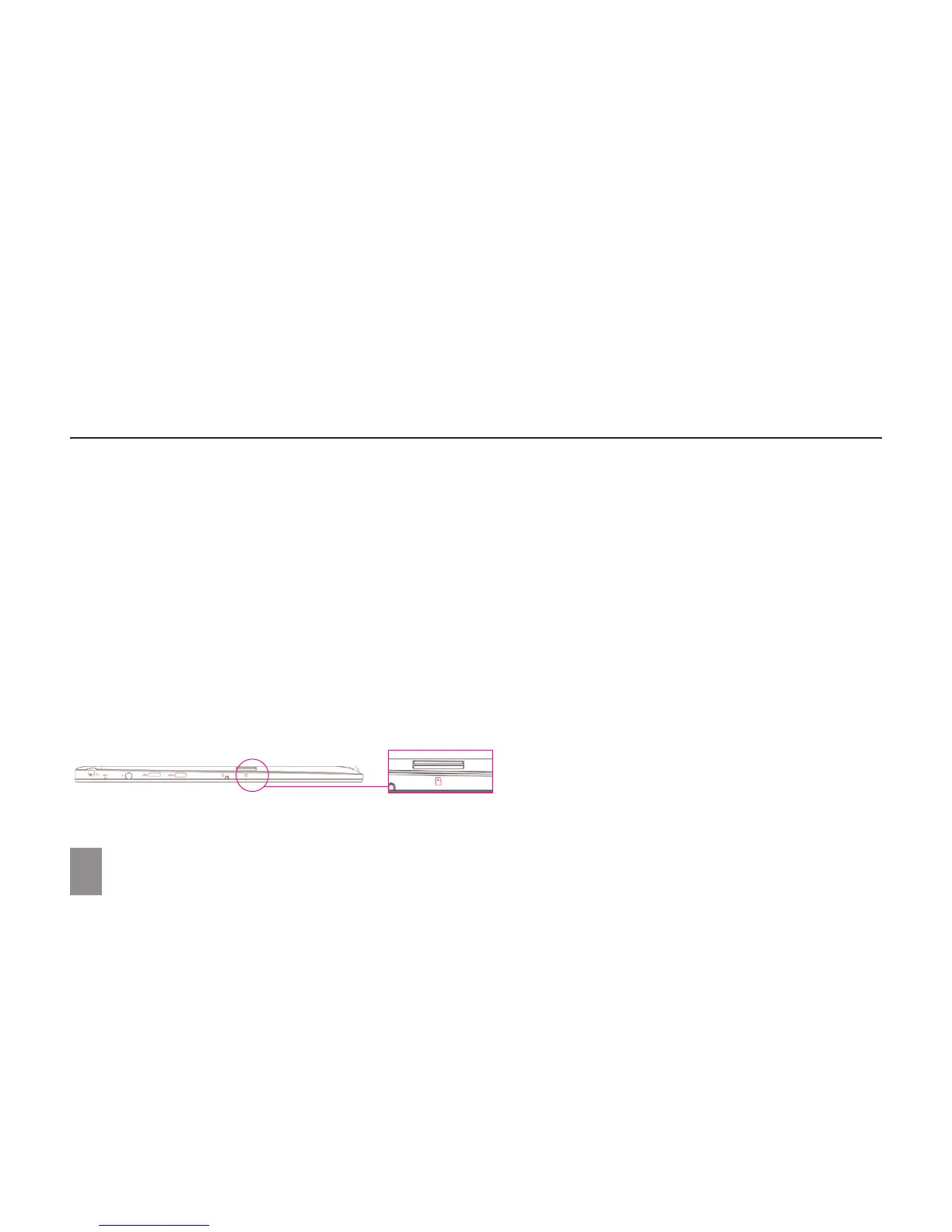
Inserting a MicroSD Card (sold separately)
1. Align the MicroSD Card so that the pins are pointed toward the card slot;
2. Push the MicroSD Card into the card slot until it locks into place.
Removing a MicroSD Card
Caution: Removing the MicroSD Card while it is in use may cause data loss or result in application errors.
(Ensure all data is saved to the MicroSD Card before removing.)
1. Touch the Tray button in the notification area, in the lower-right corner of the screen;
2. Touch Safely Remove Hardware;
3. Touch Eject XXXX SD Card. A message will appear confirming that the MicroSD Card can be safely removed. If a warning message
appears stating that the MicroSD Card cannot be removed, ensure all data transfers involving the MicroSD Card are complete;
4. Press on the MicroSD Card to release it;
5. Slide the card out after it ejects from the MicroSD Card slot.
* MicroSD card sold separately. Use only compatible memory cards. Incompatible memory cards may damage to the device and corrupt the data stored on the card.
SET UP YOUR IOTA
8



 To Next Page