37/40
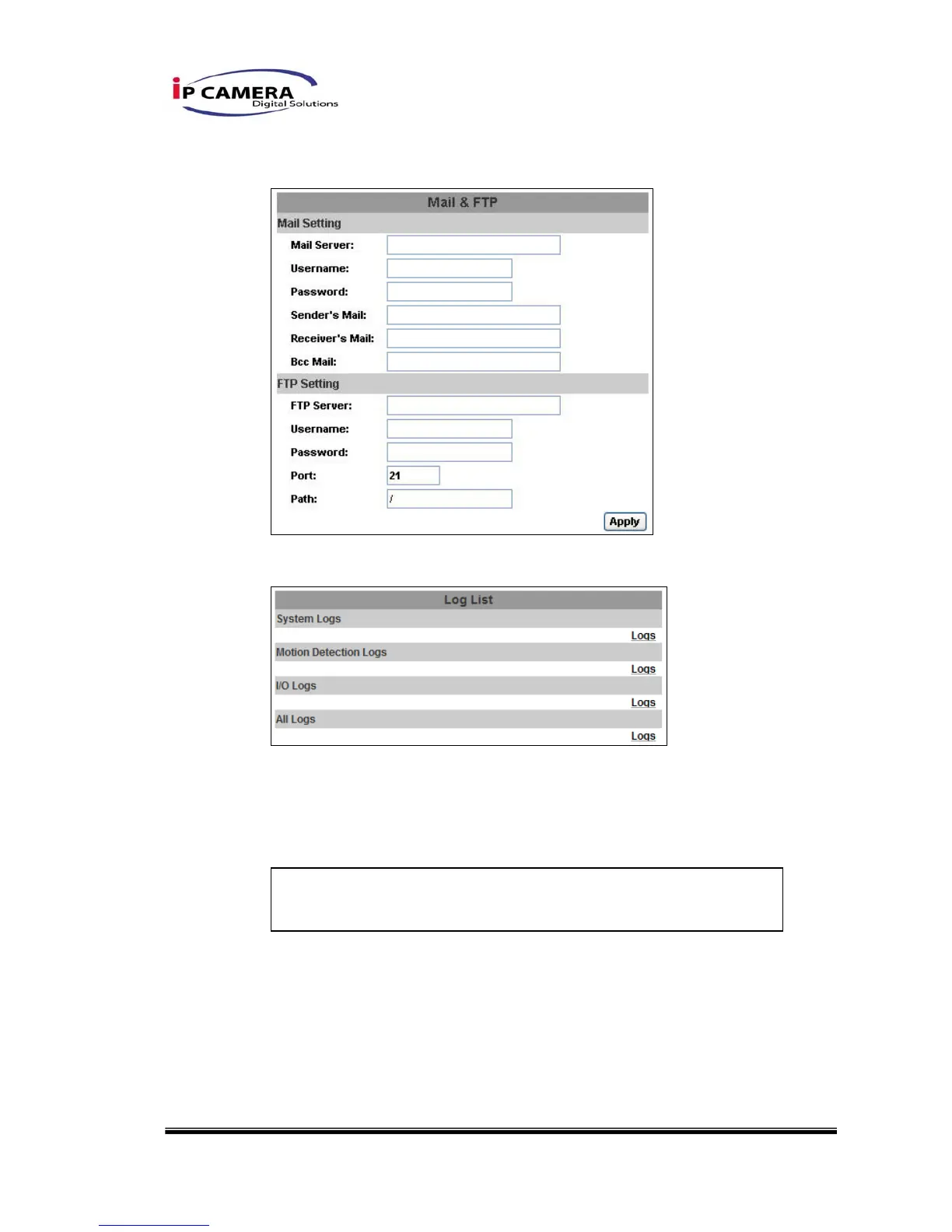
iv、 Mail & FTP
To send out the video via mail of ftp, please set up the configuration first.
v、 Log List
Sort by System Logs, Motion Detection Logs and I/O Logs. In addition,
System Logs and I/O Logs won’t lose data due to power failure.
vi、 SD card
Please Insert SD card before use it. Make sure pushing SD card into the
slot completely.
Note:The use of the SD card will affect the operation of the IP
CAMERA slightly, such as affecting the frame rate of the video.



 To Next Page