17/37
A. System
i、 System Information
a. Server Information:Set up the camera name, select language, and
set up the camera time.
1. Server Name:This is the Camera name. This name will show
on the IP Installer.
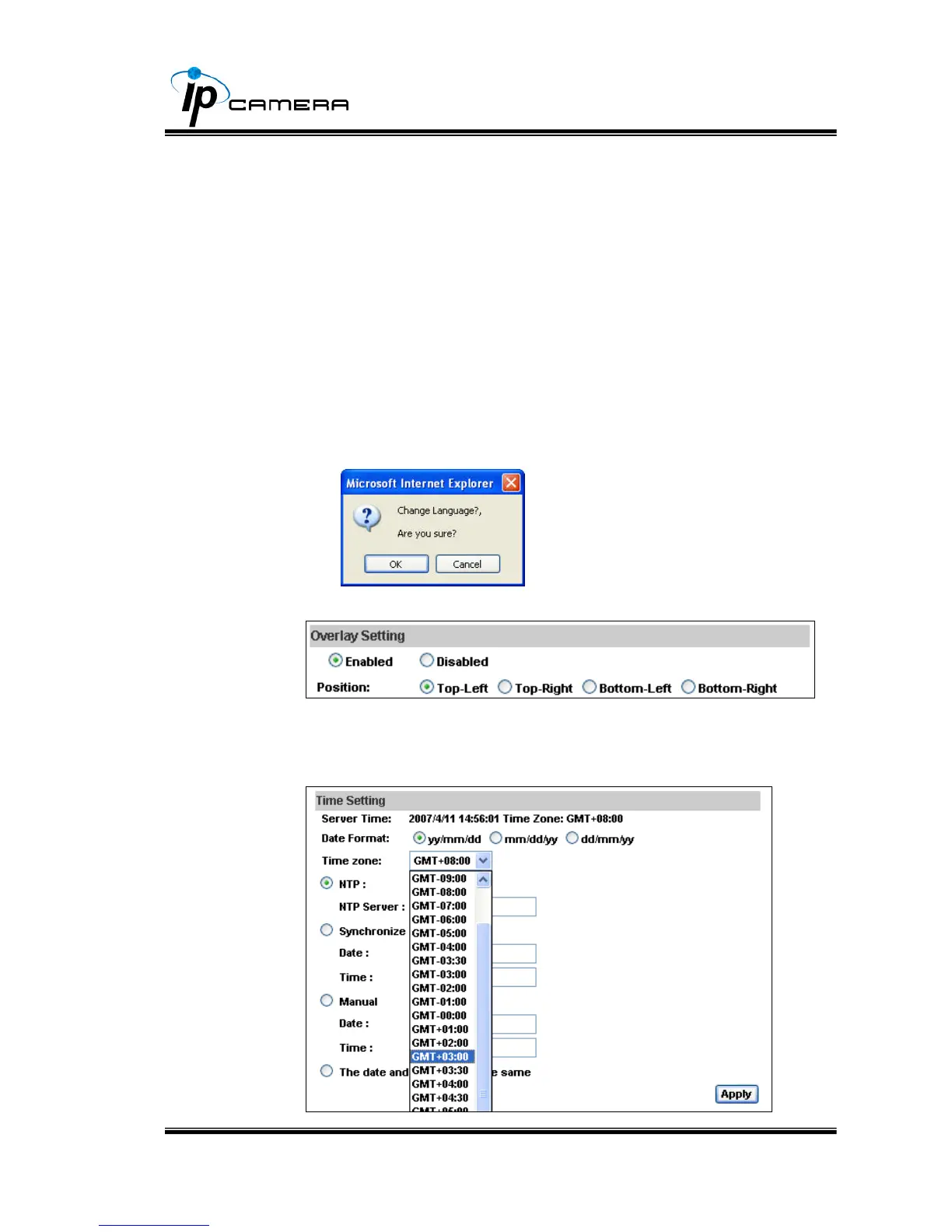
2. Select language:There are English, Traditional Chinese, and
Simple Chinese to select. When change, it will show the
following dialogue box for the confirmation of changing
language.
b. Overlay Setting (Display Time&Date on Screen)
c. Server time setting:Select options to set up time - “NTP”,
“Synchronize with PC’s time”, “Manual”, “The date and time remain
the same”.



 To Next Page