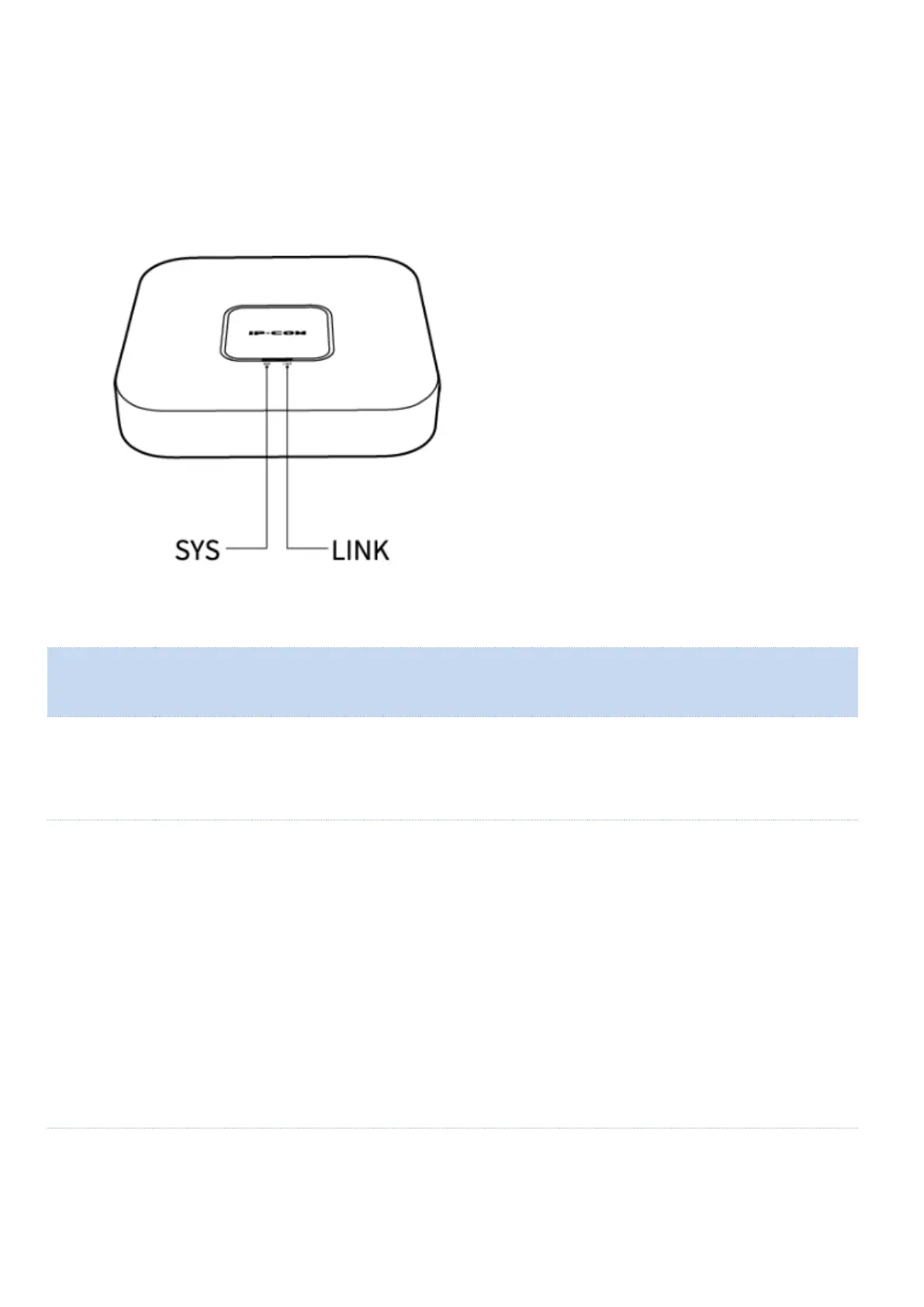
Solid green: The system is starting up or is not working properly.
Blinking green: The system works properly.
Off: The device is powered off, or the LED indicators are turned off.
When the device works in Router mode
Slowly blinking green: Connected to the internet
Blinking red: Fails to access the internet
When the device works in AP mode
Slowly blinking green: Connected to another node. Excellent connection
Blinking yellow: Connected to another node. Fair connection
Fast blinking green: Connecting to another node
Blinking red: Fails to connect to the router node, or the router node fails to access the
internet



 To Next Page