- 5 -
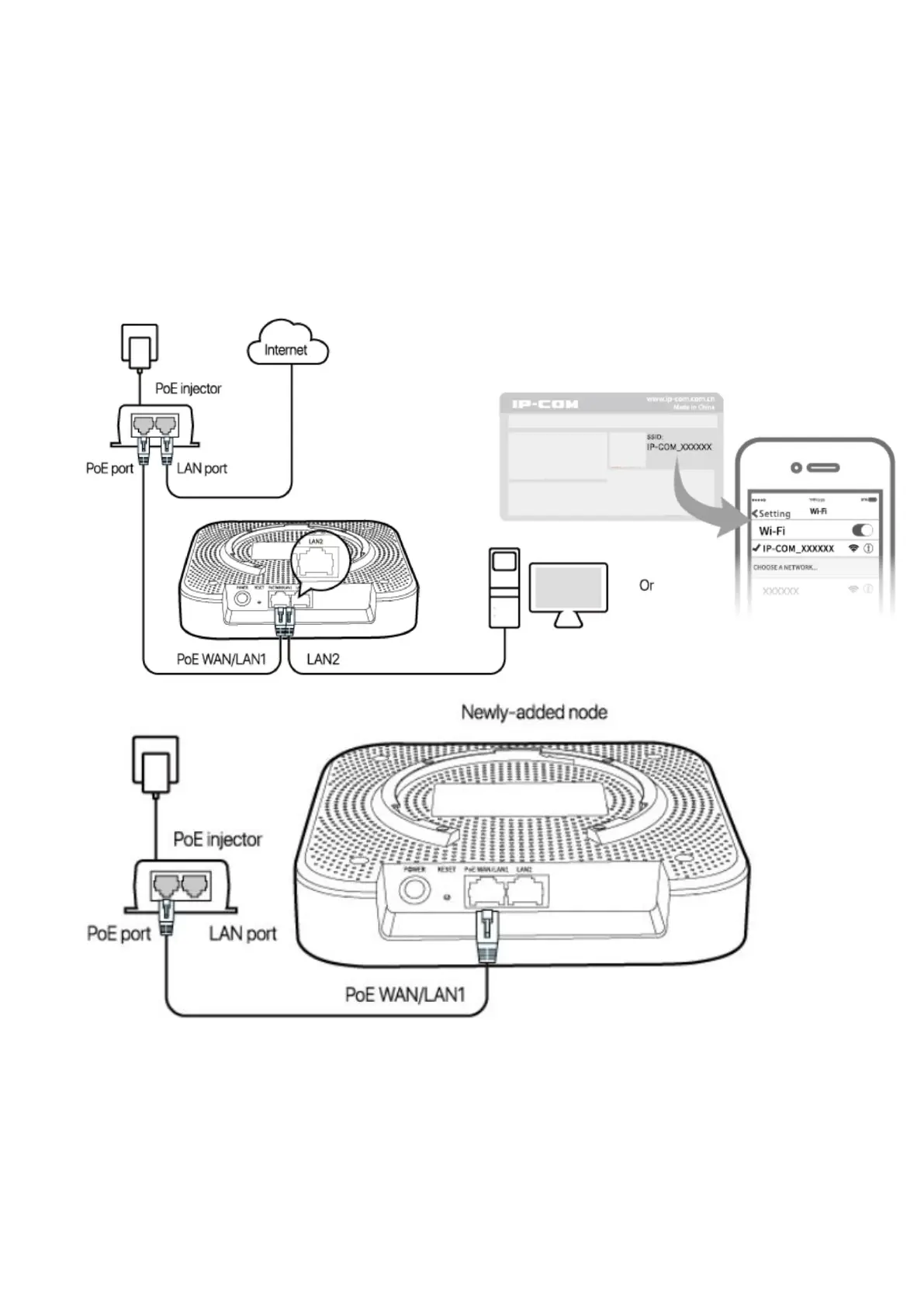
Scenario 2: Serve as an AP
When serving as an AP, the device can be added into an existing Mesh network established by this model
(EW12) of other devices in a wireless manner for network extension.
1. Place the device (newly-added node) near the node serving as a router (hereafter referred to as the
router node), and power on the newly-added node. When the SYS LED indicator blinks green and the
LINK LED indicator blinks red, the system completes startup.
2. Refer to steps 4 and 5 in Scenario 1: Serve as a router to log in to the web UI of the existing router
node.
3. Click Details on the System Status page, and click the Add button corresponding to the newly-added
node.
When the LINK LED indicator of the newly-added node turns from fast green blinking to slow green blinking,



 To Next Page