- 6 -
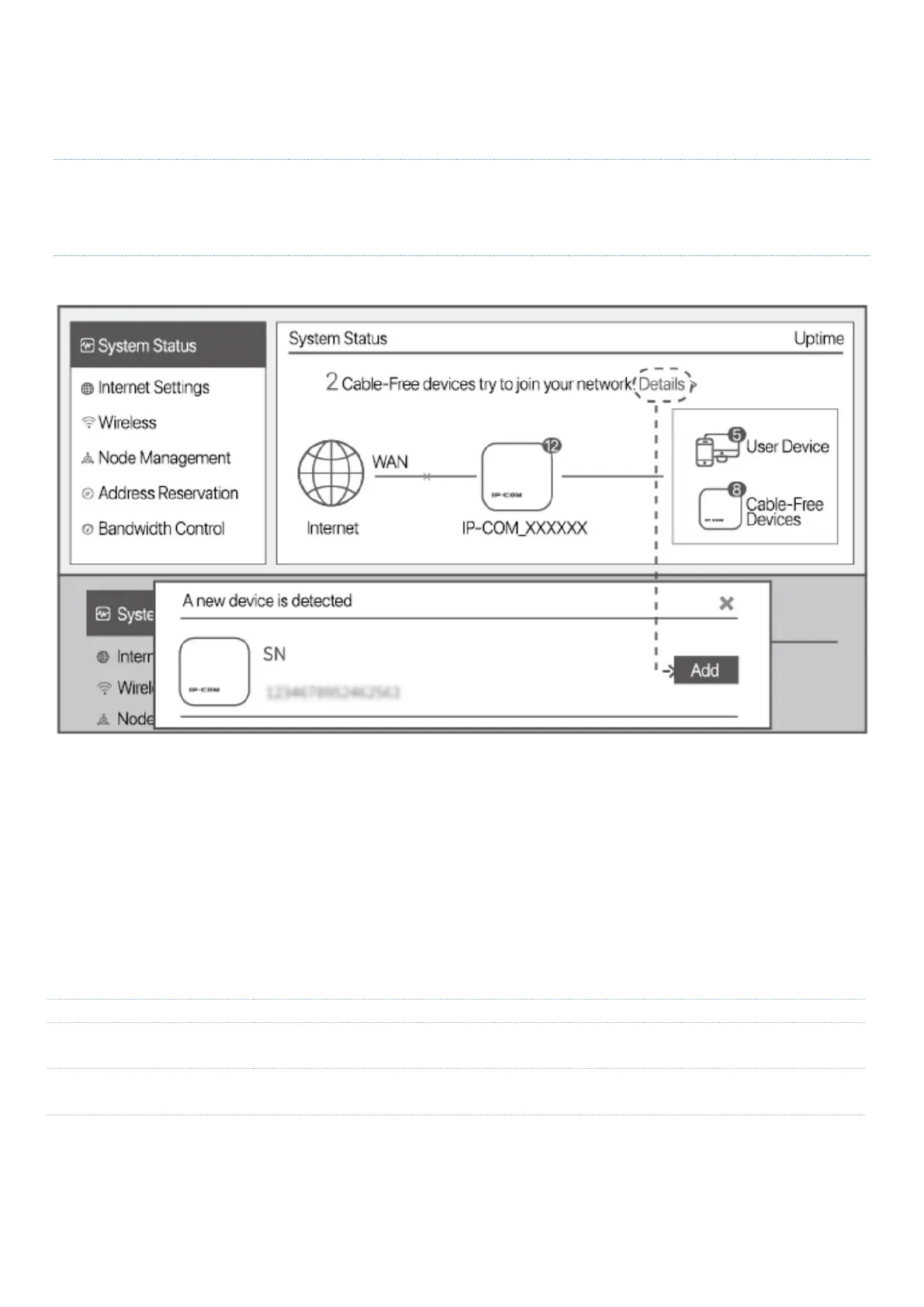
the node is added into the Mesh network of the existing router node.
Tips
If the LINK LED indicator does not blink green slowly, reset the newly-added node to factory settings and try
again.
4. Relocate the newly-added node, and power it on. Ensure that:
− The wall between nodes is less than two.
− The node is within the coverage of the existing Mesh network.
When the SYS LED indicator of the newly-added node blinks green, check the status of the LINK LED
indicator. Adjust the position of the newly-added node according to the descriptions in the following table
until the LINK LED indicator turns to slow green blinking.
Fair connection. You are recommended to move the newly-added node closer
to the upstream node (router node or another node in the Mesh network).
Done. Now, you can install the newly-added node to the selected position.
The SSID and password of the newly-added node are the same with the existing router node, providing you



 To Next Page