021
FAQ
FAQ
1. Why can’t I install PoV?
Please uninstall or disable other webcam drivers currently running in your computer. Please
install the software driver from the CD prior to connecting the PoV to your USB port.
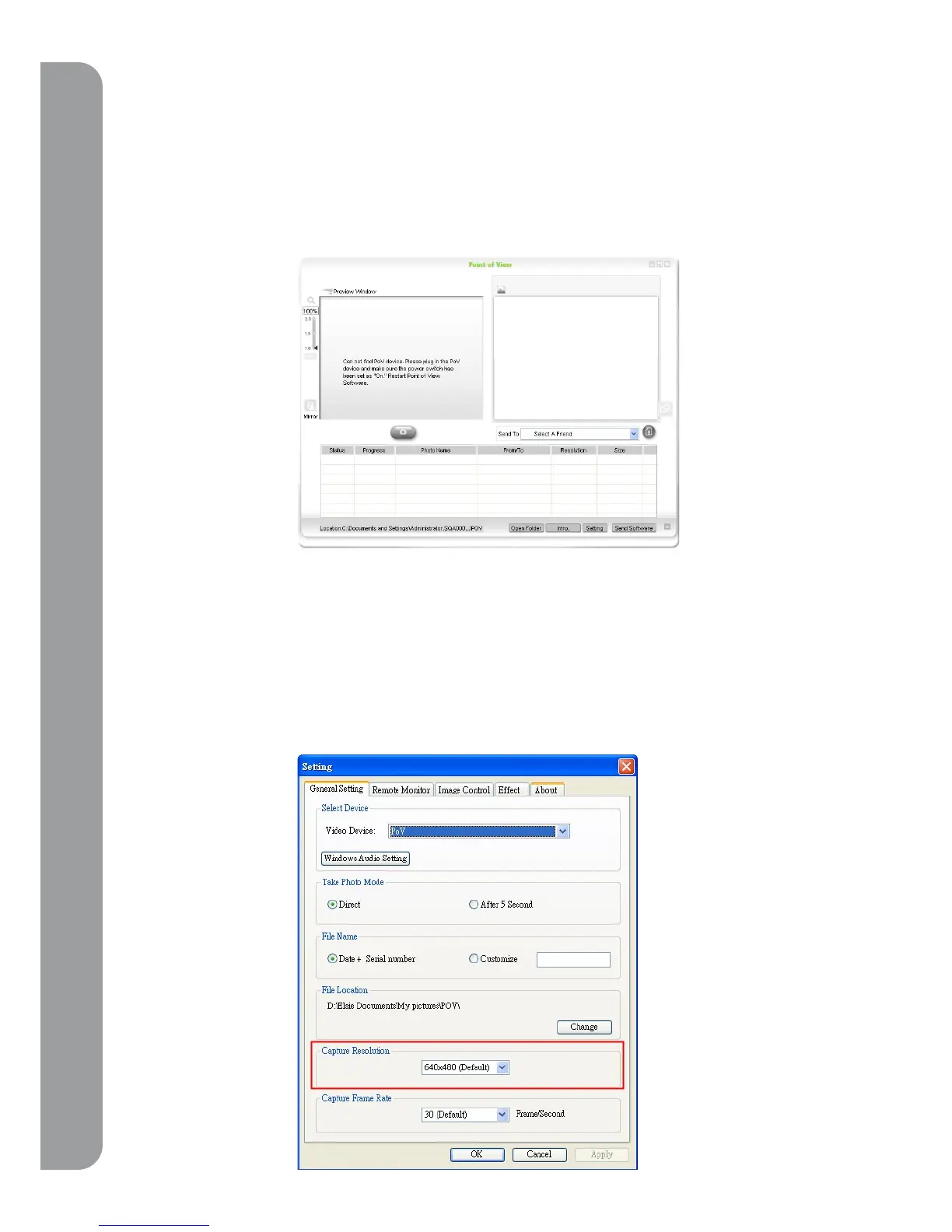
2. Why I can’t see the images in the preview window?
a. please check that the PoV switch is on.
b. Close other programs which is using PoV,( for example: Skype or MSN video conversation.)
then restart the Point of View again.
3. How can I send out images faster?
To alter the speed rate, click the “setting” button, go to “general setting” page, and change
the setting in “capture resolution”.



 To Next Page