".-%'>$60'0$6*&
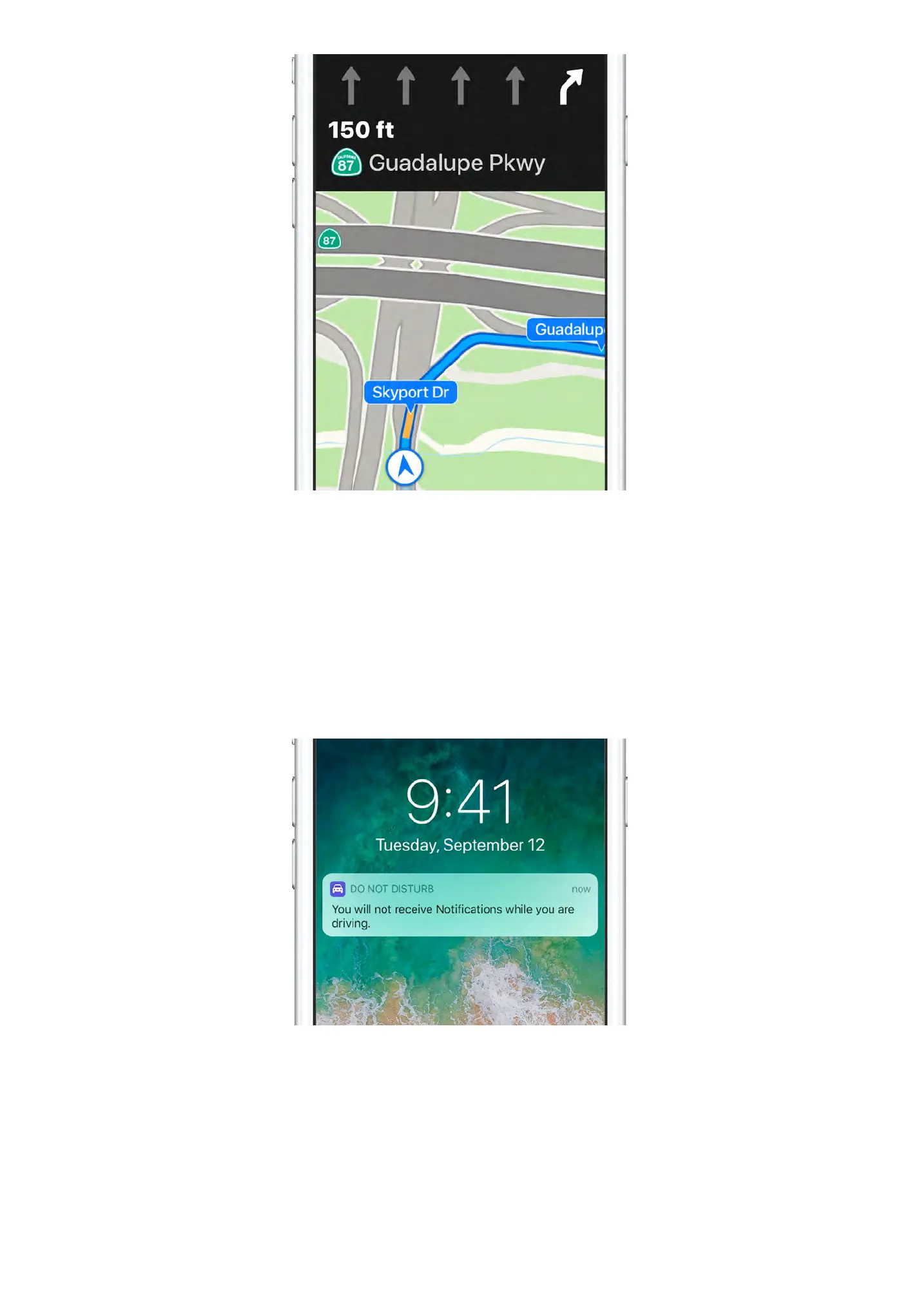
Before you hit the road, type your location into Maps, then tap
Directions for turn-by-turn navigation. Maps tells you which lane to
use, posts speed limits, and more.
:-7&*>'7!0,*
Avoid distractions and focus on the road with Do Not Disturb while
driving. Messages and Notifications are silenced, and you can even
set iPhone to send an automated reply to people who text you. To
customize your settings, go to Settings > Do Not Disturb.


 To Next Page