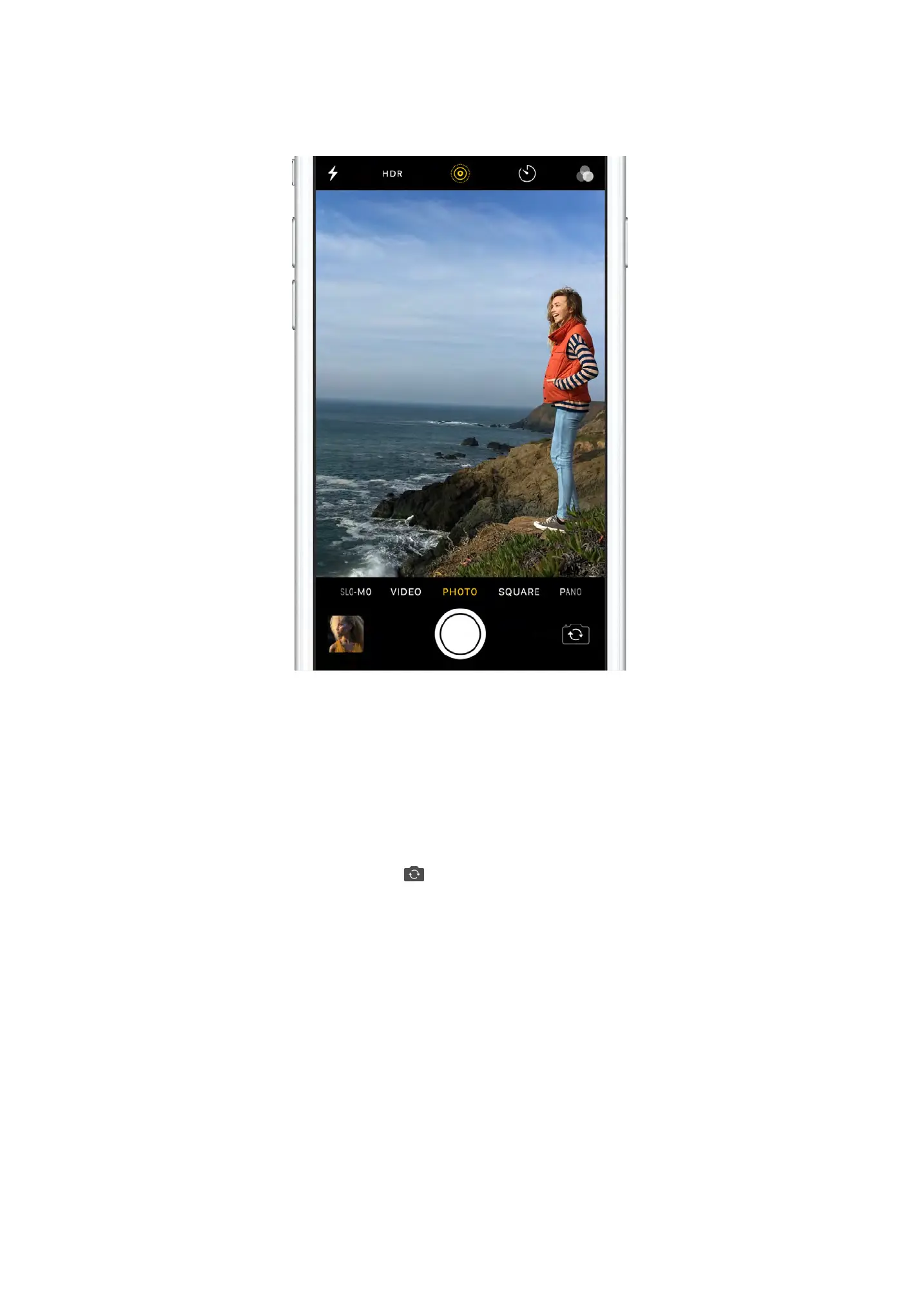
Take your photos to the next level with powerful camera features
and editing tools.
<$%+*'9!,,'!*=
To quickly open Camera, swipe left from the Lock screen. Frame
your shot and tap the Shutter button, or press one of the volume
buttons to take the photo.
If you see an opportunity for a quick selfie—say your favorite
celebrity walks by—just tap to switch to the front-facing camera.


 To Next Page