BCC'&77&/*,'*$'D!A&'"#$*$,
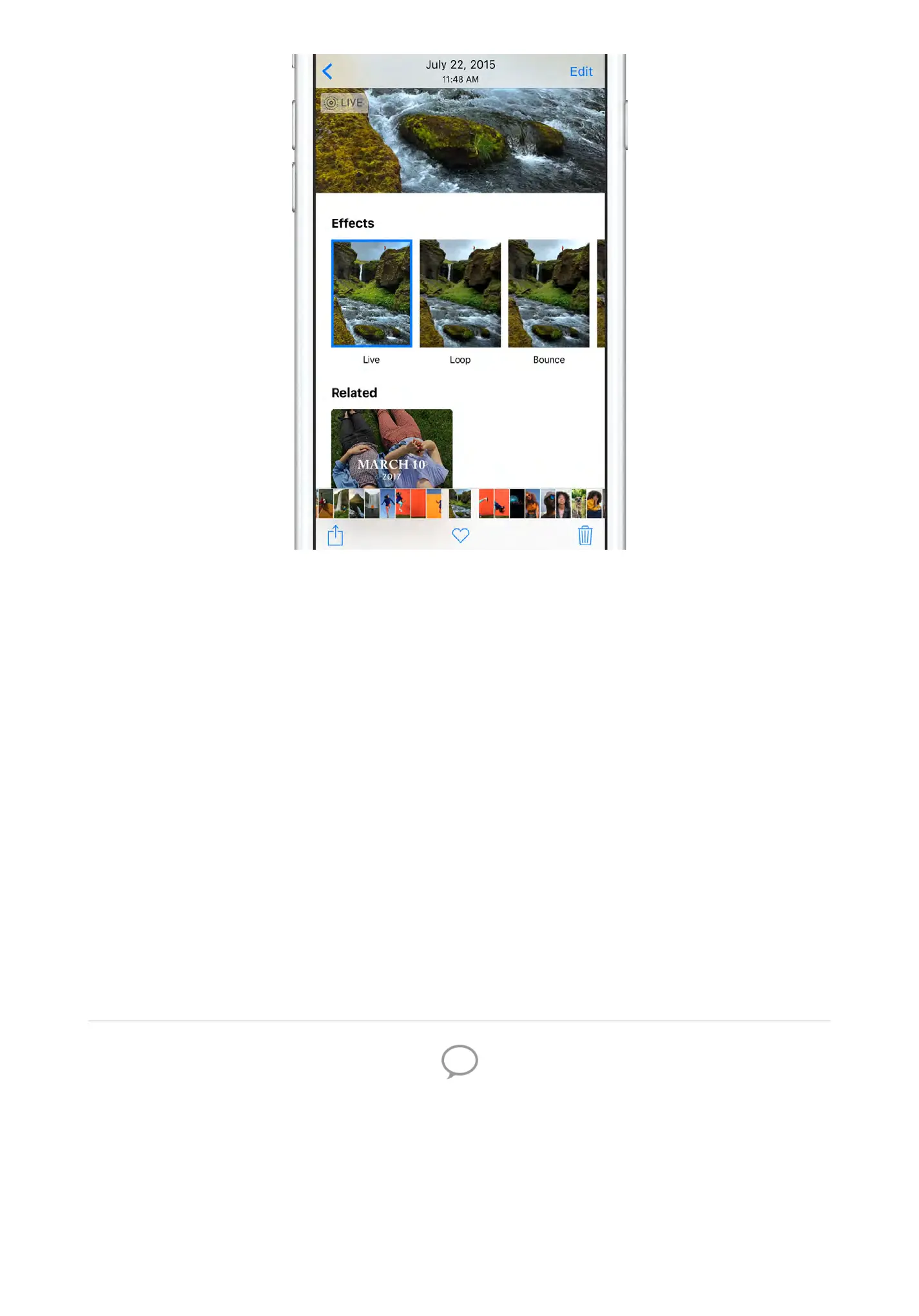
You can turn your Live Photos into fun videos you can share. Open a
Live Photo in the Photos app, swipe up, then tap an effect. Try Loop
for continuous action, or Bounce to play the action backwards and
forwards. Or choose Long Exposure to create a still photo with a cool
blur effect.
You can also tap Edit to change the keyframe, turn the sound off or
on, and make other edits.
Want to learn more? Check out the and chapters.
E$*'-..'7&-*60&,'-0&'-A-!.-F.&'7$0'-..'!"#$%&'9$C&.,G
Camera Photos
iPhone helps you figure out the details—like where youʼre going to
go and how to get there—so you can focus on the fun.


 To Next Page