Installation
This part describes how to install your machine and make connections to it. Please follow the
following instructions in avoid of incorrect installation causing device damage and security
threat.
z Before cleaning the machine, unplug the power plug of the machine first. Do not clean the
machine with wet cloth or liquid;
z Do not place the machine near water or any damp area. Prevent water or moisture from
entering the machine chassis;
z Do not place the machine on an unstable case or desk. The machine might be damaged
severely in case of a fall;
z Ensure proper ventilation of the equipment room and keep the ventilation vents of the
machine free of obstruction;
z Make sure that the operating voltage is the same one labeled on the machine;
z Do not open the chassis while the switch is operating or when electrical hazards are present
to avoid electrical shocks.
Desktop Installation
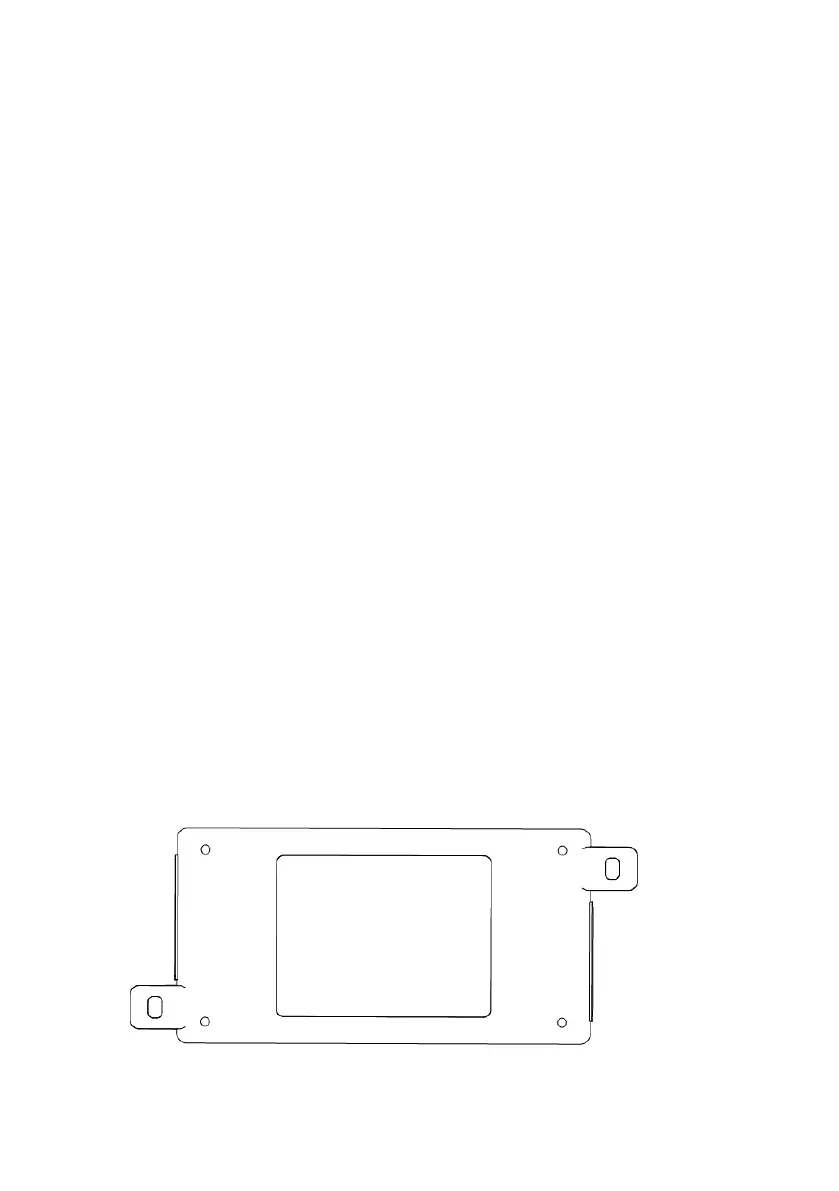
Install the Switch on a desktop, Allow adequate space for ventilation between the device and
the objects around it. The bottom is shown in figure:
- 2 -



 To Next Page