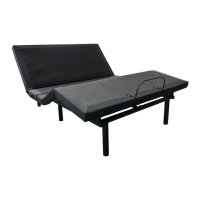
Step 2:
With the help of an assistant, place the carton on the floor.
Step 3:
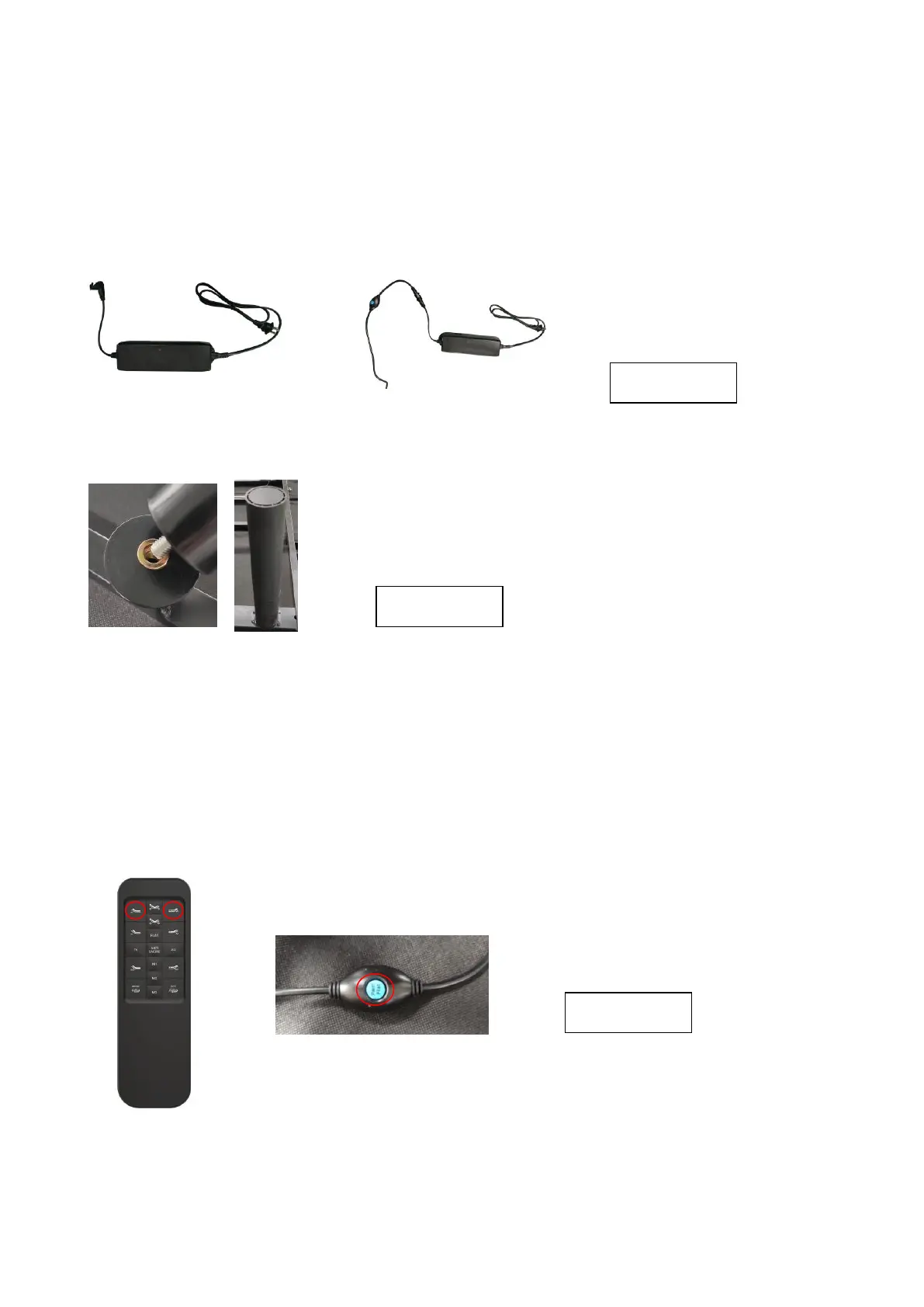
Extend the input power cord (labeled “b” in the photograph below) and plug it into the transformer
power supply (labeled “c” in the photograph below). Connect the transformer power supply to the
control box. The control box is the black box attached to the bottom of the bed.
Step 4:
Install the six legs firmly onto the base of the frame. (See Figure below). Do not over tighten.
Step 5:
Pair the remote with the control box.
Make sure batteries are in the remote control.
a. In Figure 3, the red circles show the Head up button and Foot up button on the wireless remote,
and the larger inset circle shows a blue button on the side of the control box cord.
b. Hold both the Head up button and Foot up button on the remote. While holding the buttons, press
the blue button on the extension cord. You will hear a three beeping sounds indicate that pair
successfully.


 To Next Page
 Loading...