www.iprosecu.com
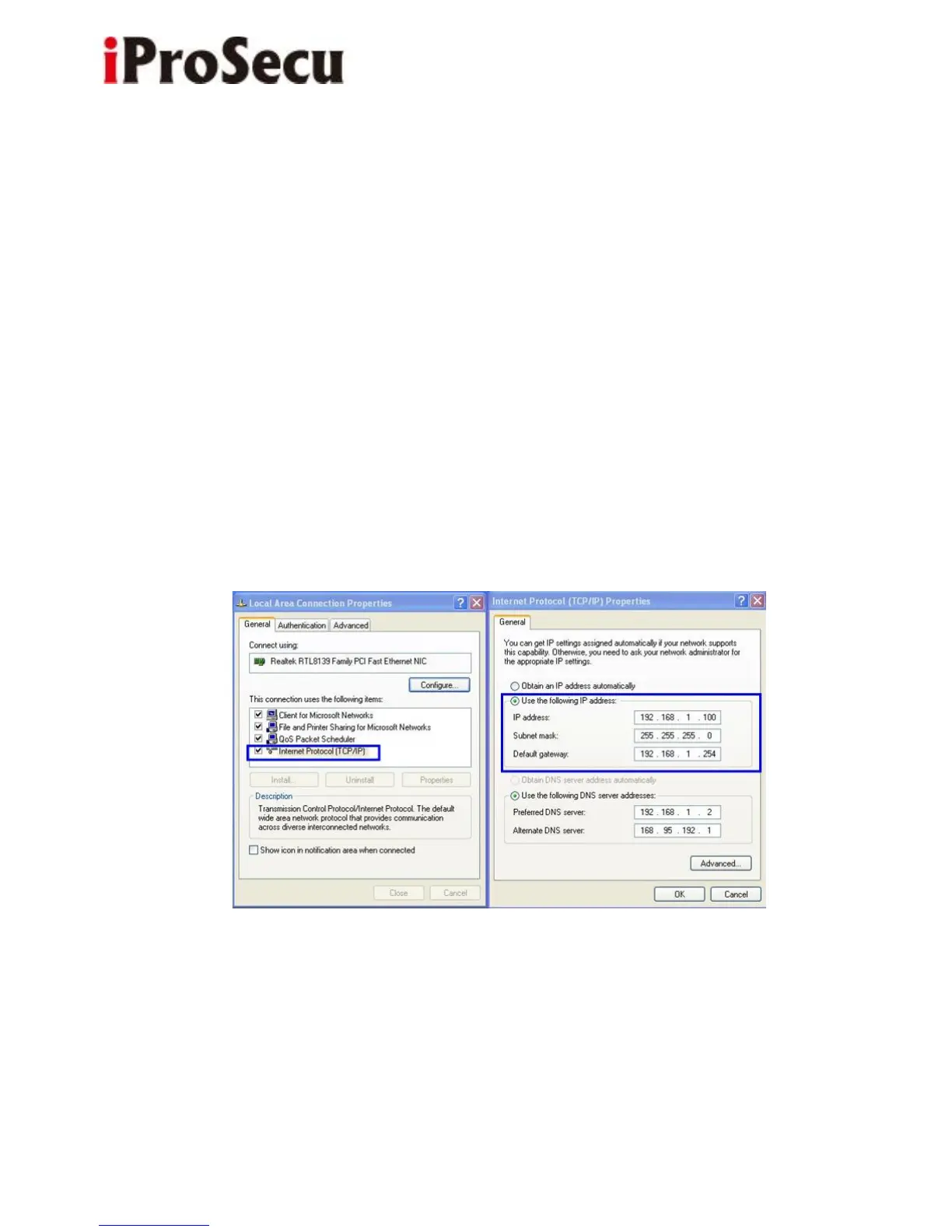
9. Please make sure that the IP address of your PC and IP Camera are on the
same subnet.
The same Subnet:
IP CAM IP address: 192.168.1.200
PC IP address: 192.168.1.100
Different Subnets:
IP CAM IP address: 192.168.2.200
PC IP address: 192.168.1.100
To Change PC IP address:
Control Panel→Network Connections→ Local Area Connection Properties→
Internet Protocol (TCP/IP) → Properties
10. A quick way to access remote monitoring is to double-click the selected IP
Camera listed on “Device list” of IP Scanner. An IE browser will be opened.



 To Next Page