www.iprosecu.com
A. System
1. System Information
a. Server Information: Set up the camera name, select language, and set up
the camera time.
(i) Server Name: This is the Camera name. This name will show on the IP
Scanner.
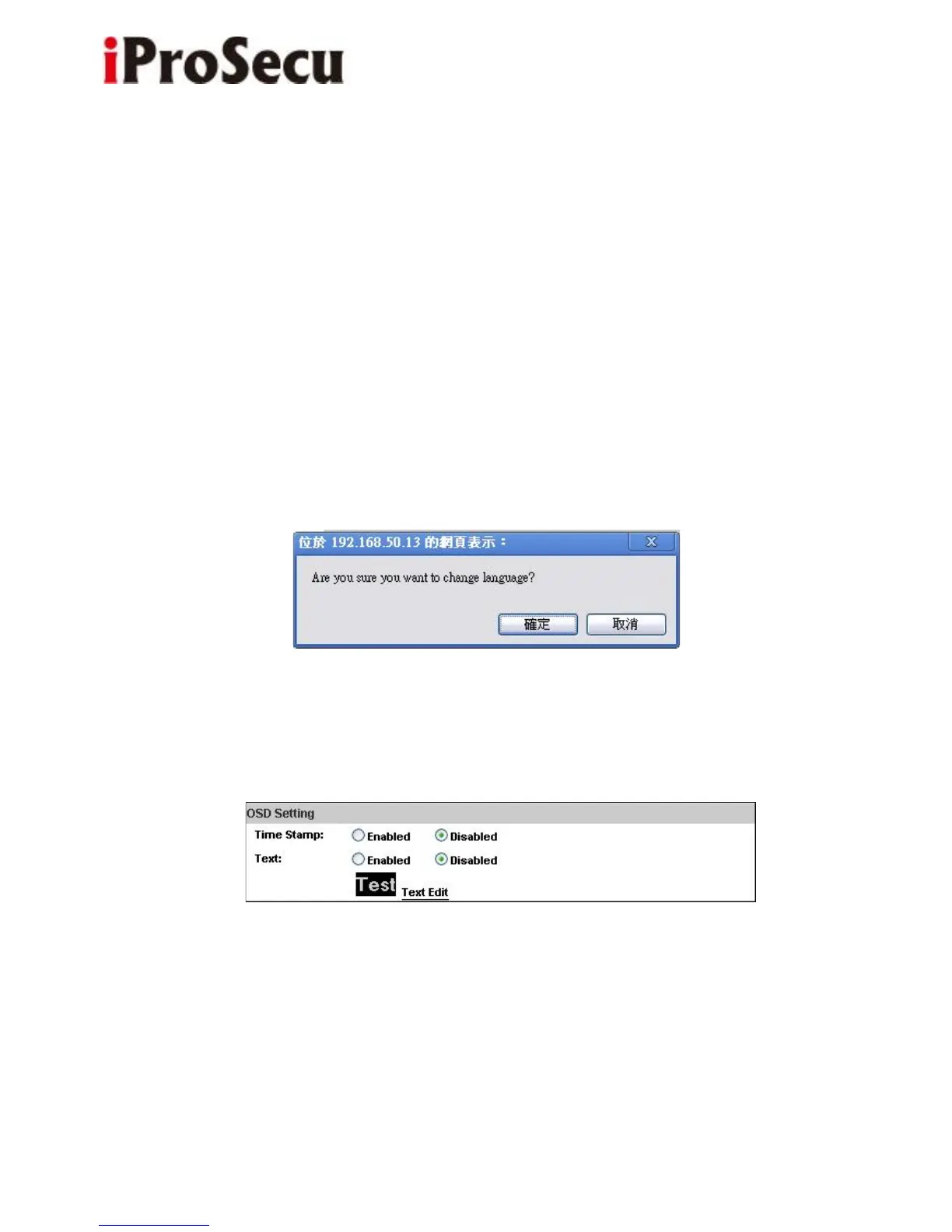
(ii) Select language: There are 11 languages to choose from. When you change
the language, it will show the following dialogue box for confirmation.
b. OSD Setting: Select a position where date & time stamp / text showing on
screen.
Click Text Edit to adjust the OSD text contents. Alpha means background
transparency of the text. If you select 100%, the text stamp will be directly
displayed on the live screen. If you select 0%, the text stamp will be displayed
with a black background.



 To Next Page