www.iprosecu.com
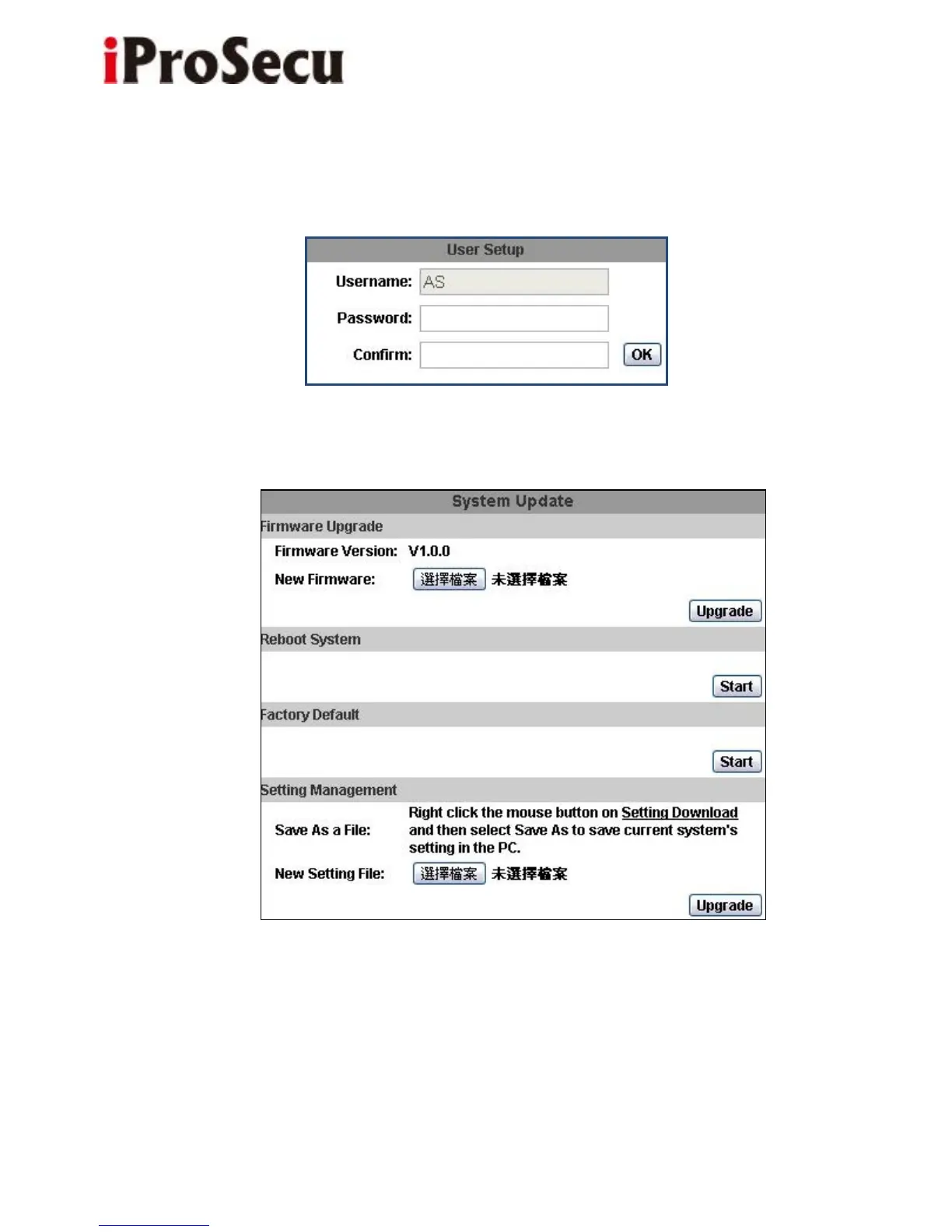
d. Click “edit” or “delete” in the user list to modify them. The system will ask you
to key-in the password in the pop-up window before you edit the user information.
3. System update:
a. To update the firmware online, click “Browse…” to select the firmware.
Then click “Upgrade” to proceed.
Note: The firmware upgrade might be accompanied by the changing of some



 To Next Page