www.iprosecu.com
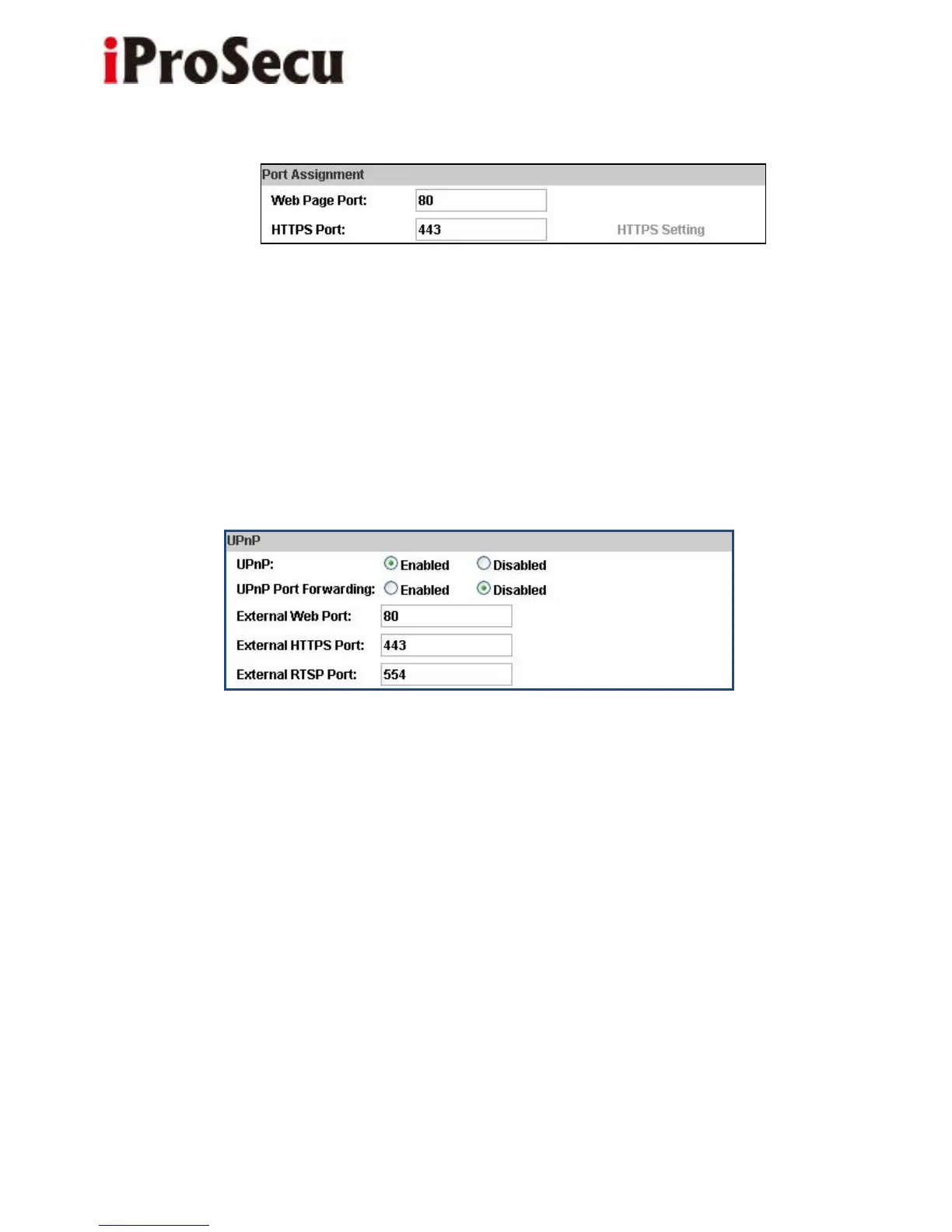
c. Port assignment
(i) Web Page Port: setup web page connecting port and video transmitting port
(Default: 80)
(ii) HTTP Port: setup HTTPS connecting port (Default:443)
d. UPnP (Universal Plug and play)
This IP camera supports UPnP, If this service is enabled on your computer, the
camera will automatically be detected and a new icon will be
added to “My Network Places.”
(i) UPnP Port Forwarding:
When the camera is installed under a router, Enable UPnP Port Forwarding to let
the router open ports so that the video streams can be sent out from a LAN. Set
Web Port, Http Port, and RTSP port, and make sure your router supports UPnP
and the function has been activated.



 To Next Page