www.iprosecu.com
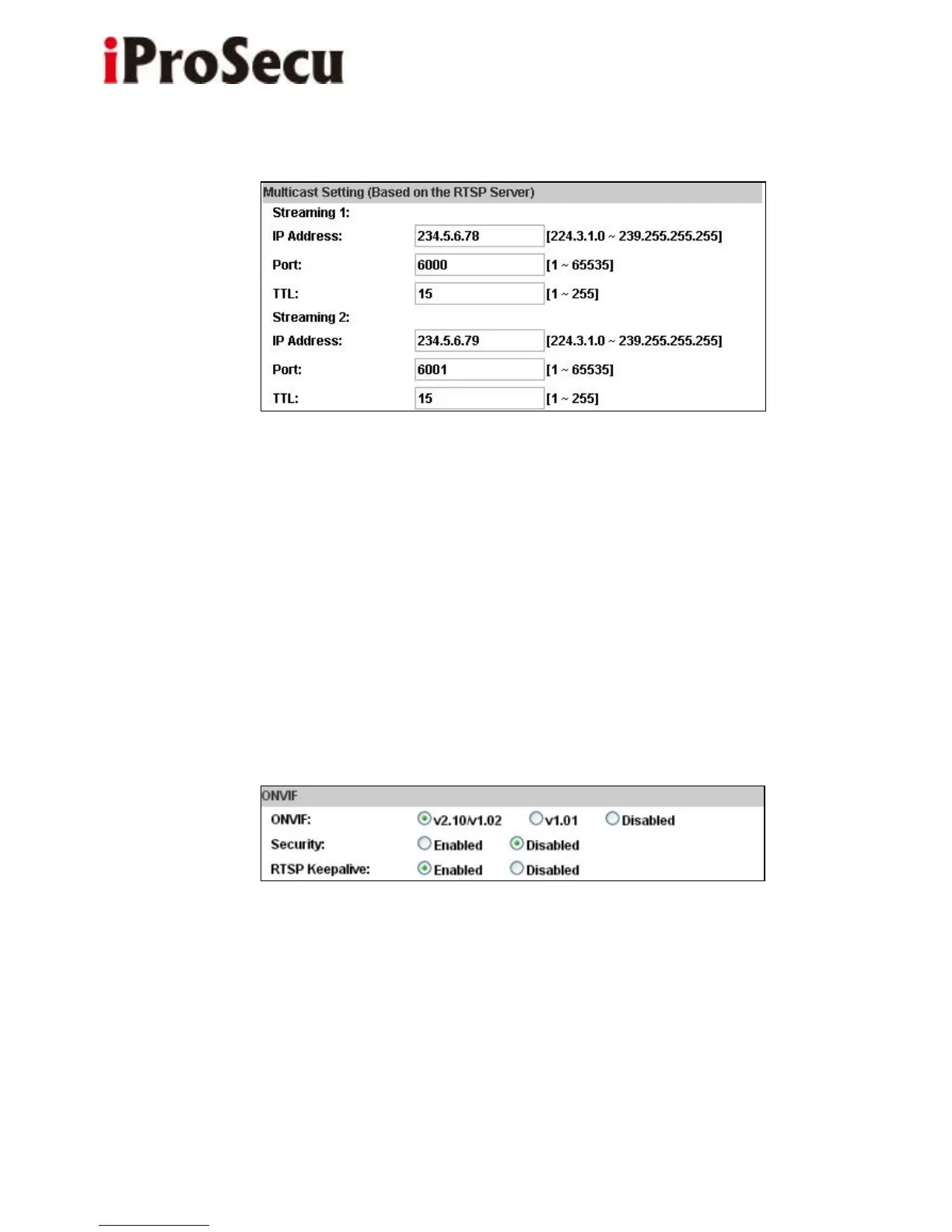
f. Multicast Setting (Based on the RTSP Server)
Multicast is a bandwidth conservation technology. This function allow several
user to share the same packet sent from IP camera. To use Multicast, appoint IP
Address and port here. TTL means the life time of packet, The larger the value is,
the more user can receive the packet.
To use Multicast, be sure to enable the function "Force Multicast RTP via RTSP"
in your media player. Then key-in the RTSP path of your camera: "rtsp://(IP
address)/" to receive the multicast.
g. ONVIF
(i) Choose your ONVIF version and settings.
Under ONVIF connection, the video will be transmitted by RTSP. Be sure to
enable the RTSP server in IP setting, or you're not able to receive the video via
ONVIF.



 To Next Page