www.iprosecu.com
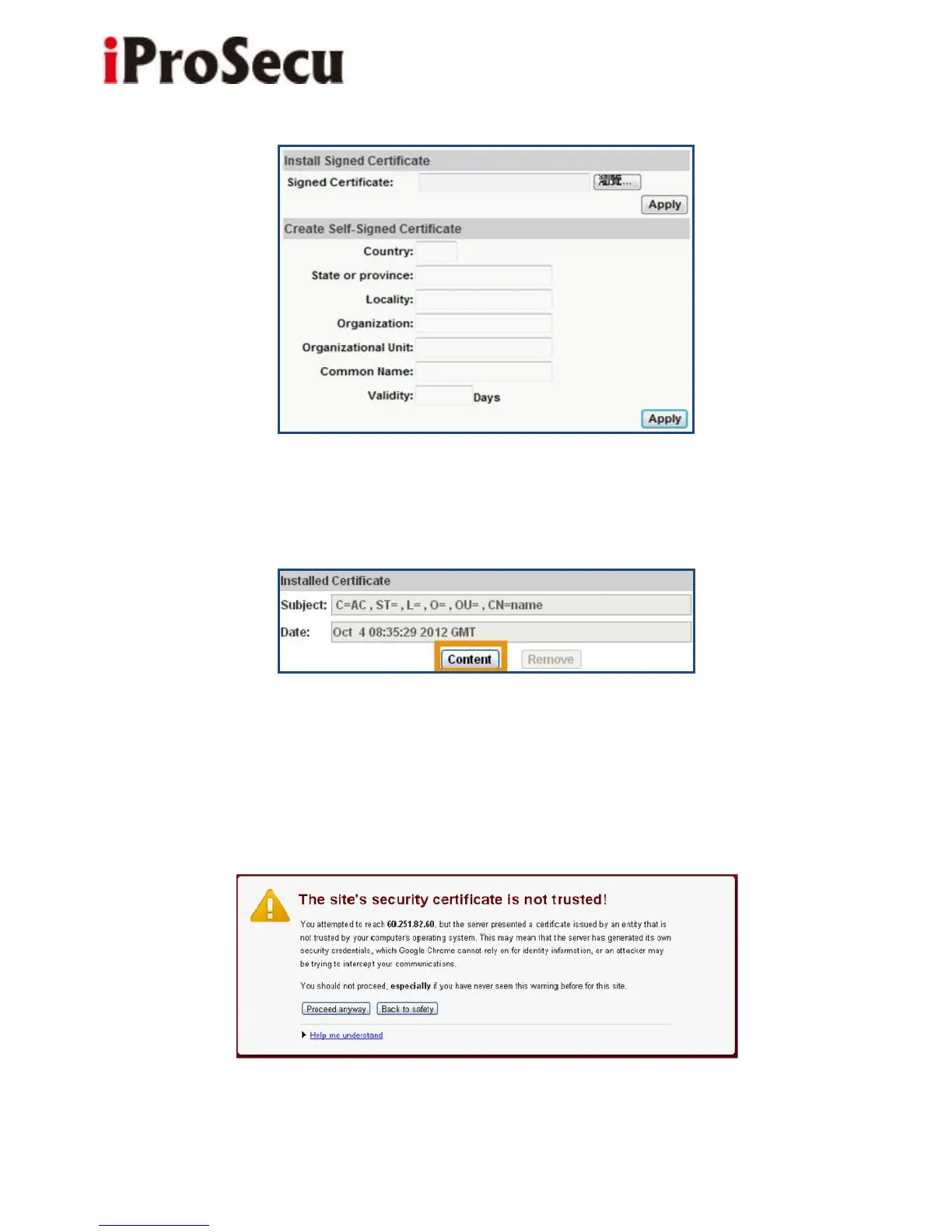
After finishing installation, you can click “Content” to call out and check the
certificate content.
(v) To use Https to access camera, open your browser, and key-in "https:// (IP
address)/" in the address bar. Now your data will be transmitted via encrypted
communications, and the browser will check your certificate status. If it shows
you a warning message:



 To Next Page