www.iprosecu.com
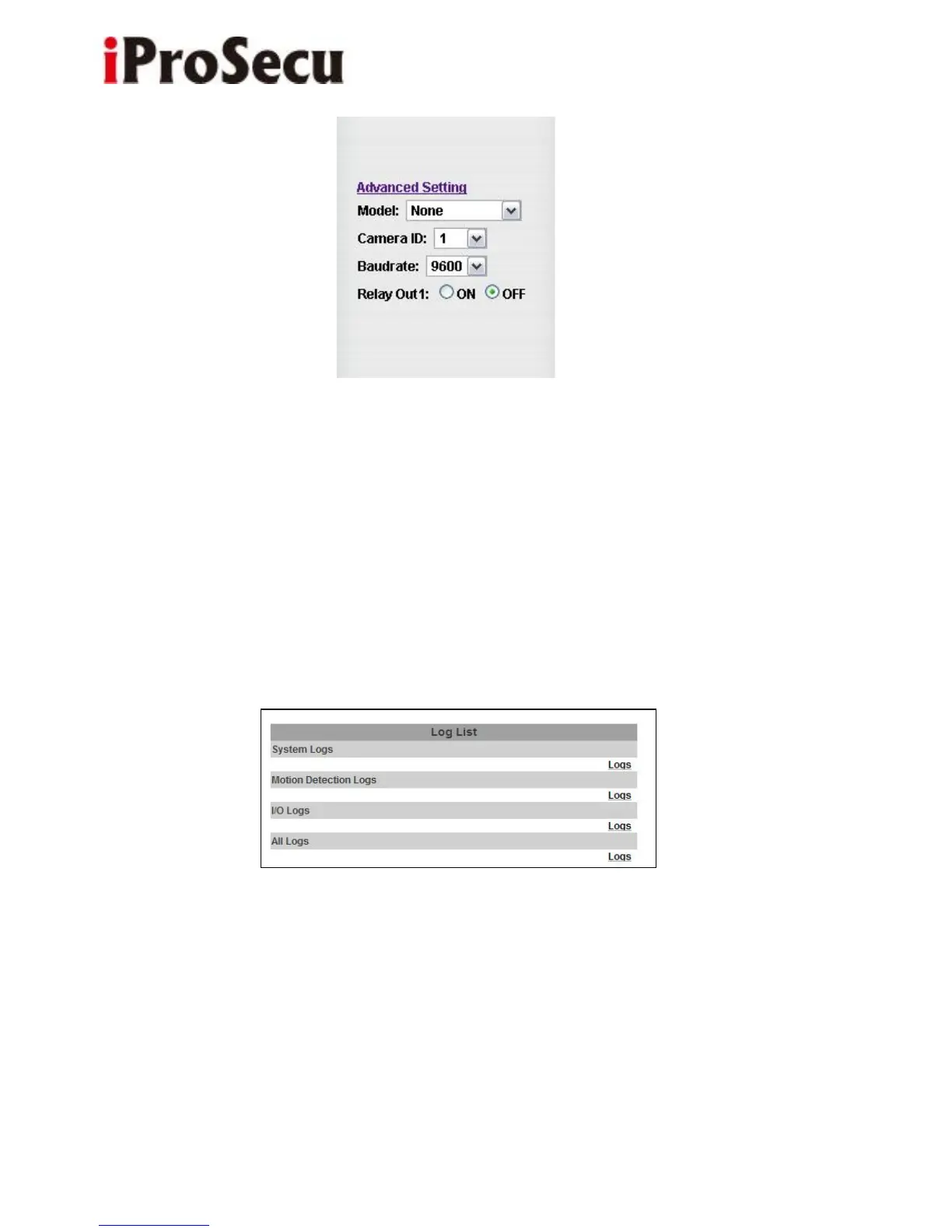
(i) Model: Select the model of the connected device.
(ii) Camera ID: To connect successfully, the ID must be the same with the
connected device.
(iii) Baudrate: It means the data transfer rate. The Baudrate must be the same
with the connected device.
4. Log List
Sort by System Logs, Motion Detection Logs and I/O Logs. In addition, System
Logs and I/O Logs won’t lose data due to power failure.



 To Next Page