www.iprosecu.com
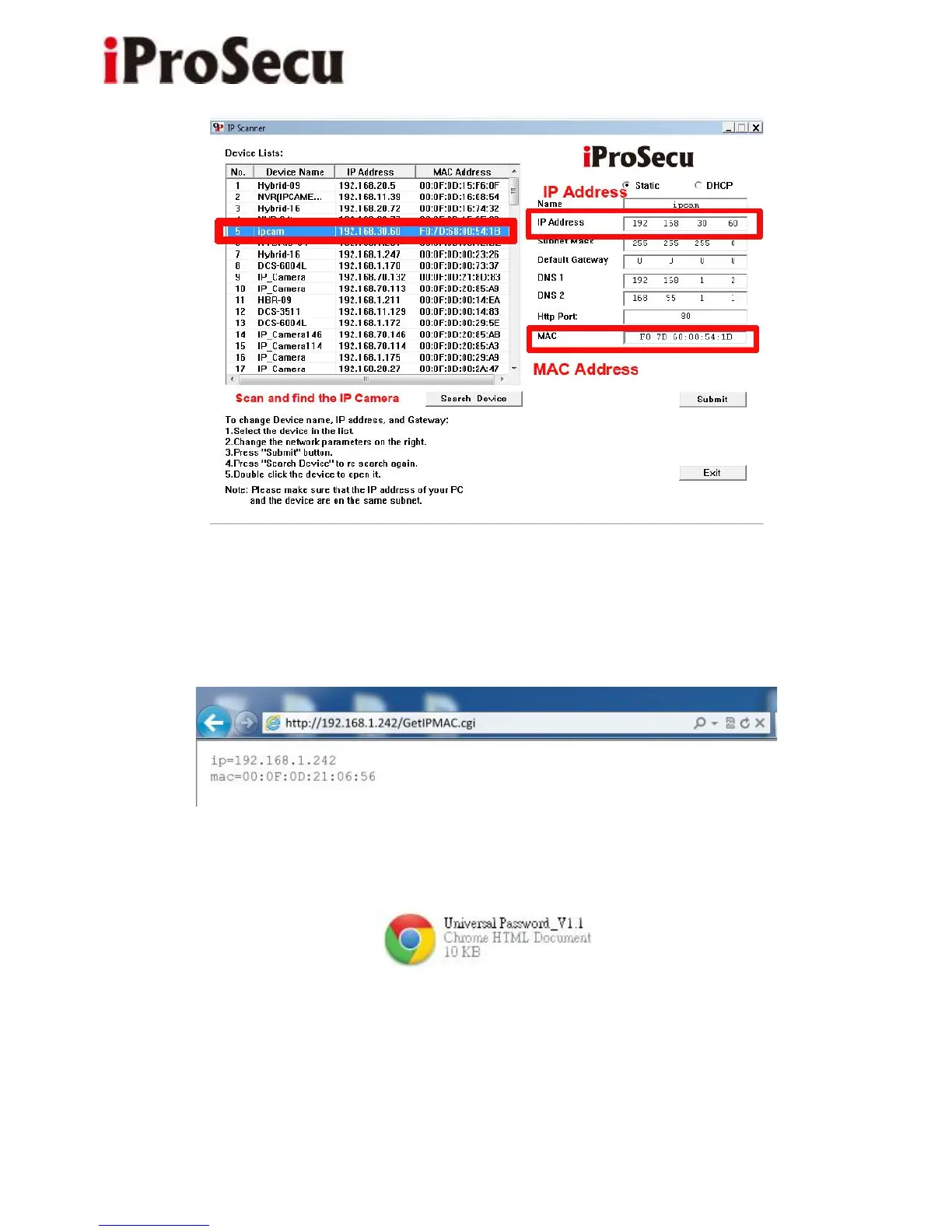
Or, if you already know the IP address of camera: Open the web browser, key-in
“http:// (IP address) /GetIPMAC.cgi” and press enter. The IP address and MAC
will be displayed on browser.
2. Find the .html file named “Universal Password” in CD-ROM. Click to open it.
3. Key-in the camera IP address in “IP Adder.” column and MAC in “MAC”
column, and then click “encoder”. You will see a set of username and password
appears, as below:



 To Next Page