EasyManua.ls Logo

IPS IPS-600 - User Manual

Default Icon
56 pages
Print Icon
To Next Page IconTo Next Page
Loading...
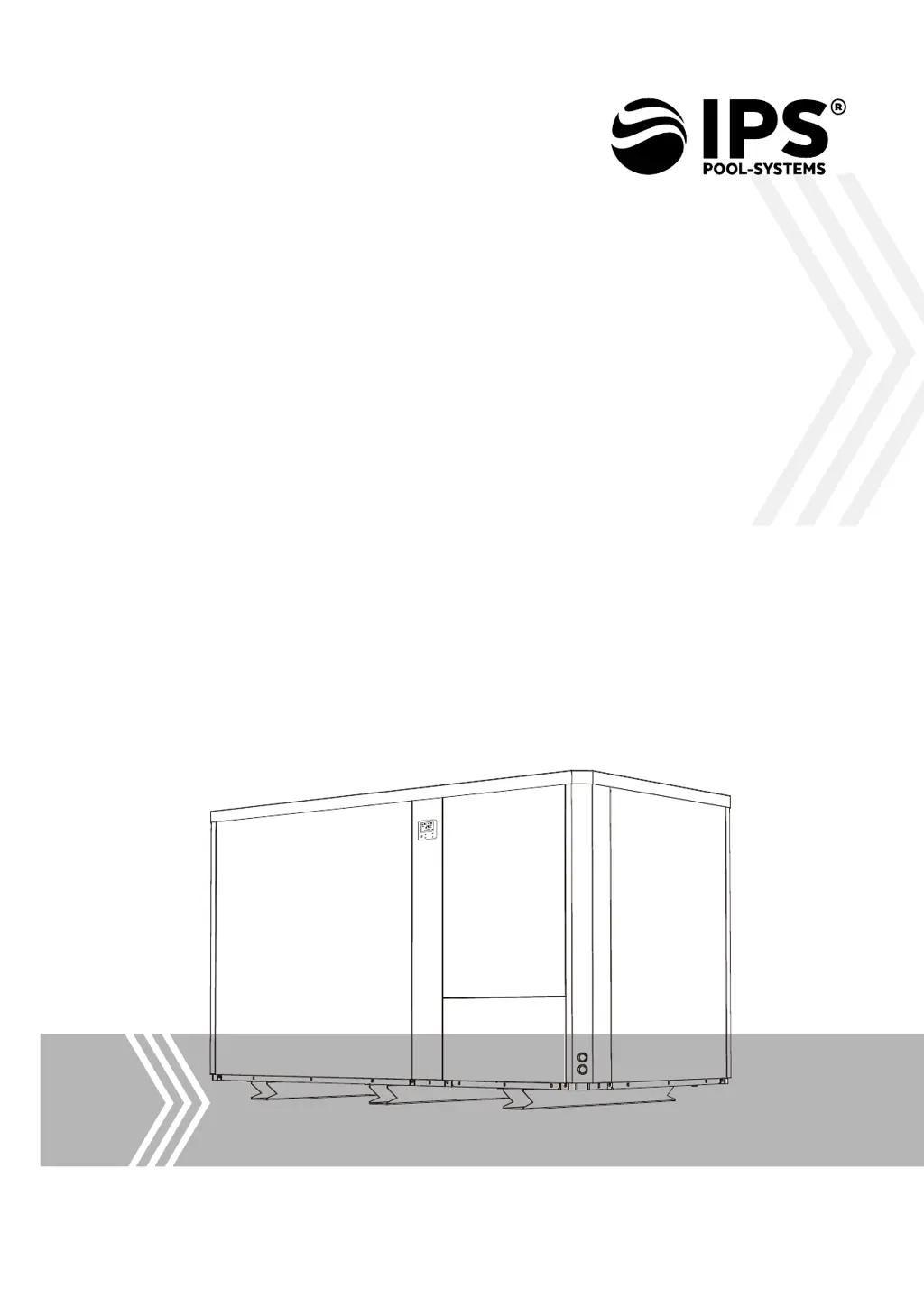
Thank you for choosing Full-Inverter heat pump.
This manual provides you necessary information for optimal
use and maintenance, please read it carefully and keep it for
subsequent use.
INSTALLATION AND
USER MANUAL
EN / DE

Questions and Answers

  • A
    Alyssa HaydenAug 11, 2025
    What to do if my IPS Inverter heat pump doesn’t run?
    • L
      Lydia HolmesAug 11, 2025
      If your IPS Inverter heat pump isn't running, here's what you can check: * **No power:** Wait until the power recovers. * **Power switch:** Ensure the power switch is turned on. * **Fuse:** Inspect the fuse and replace it if it's burned. * **Breaker:** Check if the breaker has been tripped and turn it on.
  • C
    Christina PerezAug 21, 2025
    Why is my IPS IPS-600 fan running but with insufficient heating?
    • K
      Kenneth EdwardsAug 21, 2025
      If the fan in your IPS Inverter is running, but the heating is insufficient, the evaporator or air outlet might be blocked. Remove any obstacles that may be causing the blockage. Also, note that there may be a 3-minute start delay; wait patiently to see if the heating improves.
  • C
    cynthiaclarkAug 31, 2025
    What to do if IPS IPS-600 Inverter display is normal, but there is no heating?
    • J
      Joshua FernandezAug 31, 2025
      If your IPS Inverter display is normal but there is no heating, ensure that the set temperature isn't too low. Set a proper heating temperature. Also, note that there may be a 3-minute start delay; wait patiently to see if the heating begins.

IPS IPS-600 Specifications

General IconGeneral
BrandIPS
ModelIPS-600
CategoryInverter
LanguageEnglish

Related product manuals