4
3
2
1
4
3
2
1
25%
100%
3
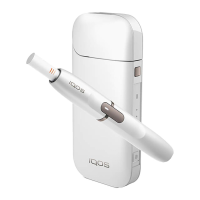
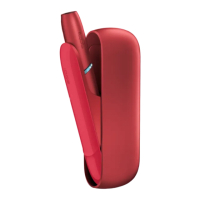
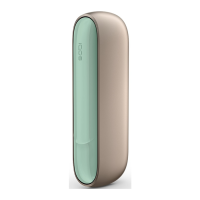
IQOS™ Pocket Charger Lights Display Logic:
− Blinking green light indicates it is charging.
− Solid green light indicates it is charged.
− No light indicates it is on a stand-by, or switched OFF mode.
− Orange/red light indicates it is malfunctioning, or defective.
Charging Port
(Use the provided cable
and IQOS™ Power Adaptor.
A full charge can recharge
the IQOS™ Holder
at least 20 times.)
Power Button
(To switch ON/OFF)
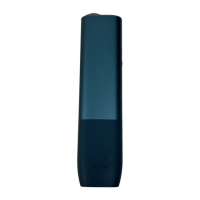
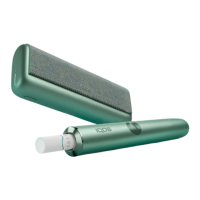
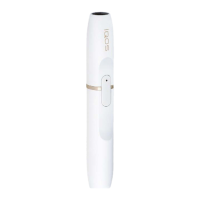
IQOS™ Holder
Heater Blade
Cleaning Button
Lid Opening Button
IQOS™ POCKET CHARGERIQOS™
HOLDER
IQOS™ Holder
Heater
Blade
Cleaning Status
IQOS™ Pocket
Charger
Battery
Status
IQOS™ Holder
Battery
Status
Charging
Contacts
Heating
Button
Heater
Blade
Cap


 To Next Page