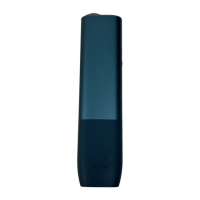
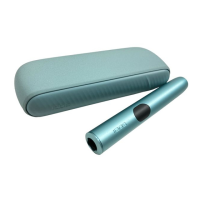
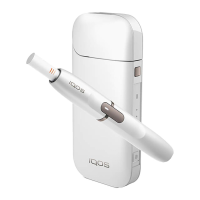
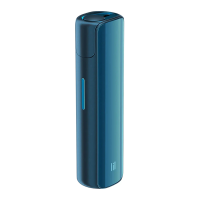
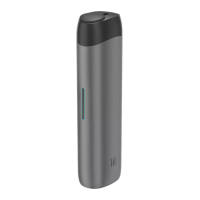
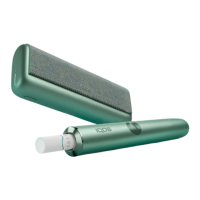
How to use your IQOS ILUMA ONE™
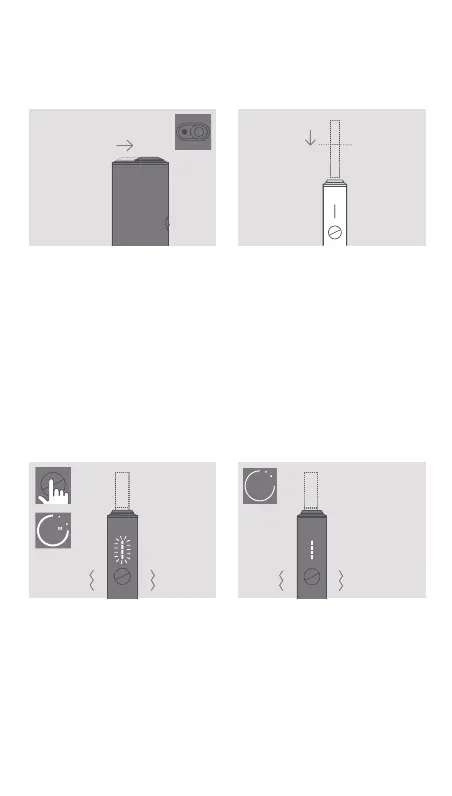
OPEN
Slide to open.
1. INSERT SMARTCORE
STICK™
Insert the SMARTCORE
STICK™ to the line on filter
with filter facing outside.
2. START HEATING
Press Button for at least
1 second until IQOS ILUMA
ONE™ vibrates and Status
Light(s) pulse(s).
Keep SMARTCORE STICK™ in
position during the preheating.
3. BEGIN USE
Start using once IQOS ILUMA
ONE™ vibrates and Status
Light(s) stay xed.
1
Philip Morris International


 To Next Page