29
Only use the USB Cable and AC Power Adaptor designed
for lil™ that come with your device.
You may charge the device whenever it is convenient
regardless of the battery charge status.
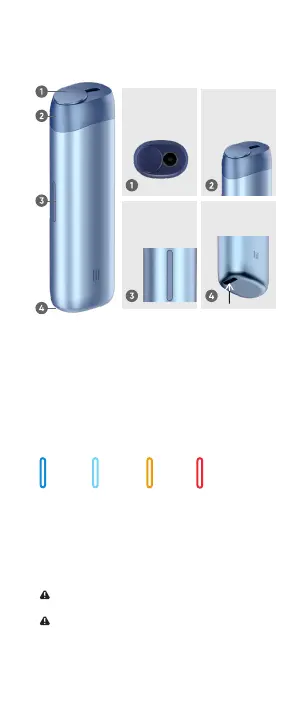
Charging Port
• Charge the device before your first use.
• Takes approximately 2 hours to be fully charged,
available for use for approximately 25 sticks (the number
of sticks can vary according to the use environment).
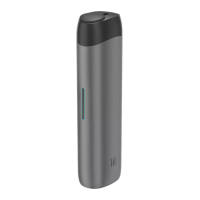
Button (Status LED light)
By pressing the Button or once the device is
plugged into a power outlet through the Charging
Port, the charging status of the device is displayed.
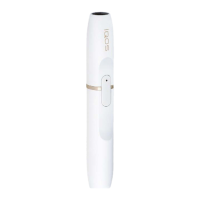
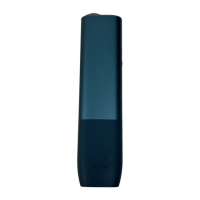
Button
(Status LED light)
Charging Port
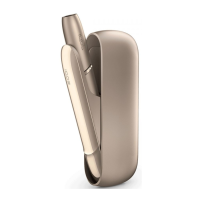
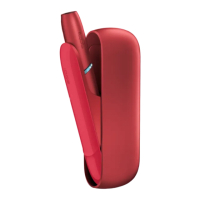
Cover of stick
insertion part
Cap
* Due to the nature of the parts used for the Status LED, the
brightness and color of the LED light may vary slightly.
When the device is being charged, the
Status LED lights.
• The Status LED blinks while the device is being charged.
• The Status LED stays on with blue after the device is
fully charged.
Red
needs to be charged
Orange
35~1%
Ice Blue
75~35%
Blue
100~75%
1. Name and component of each part


 To Next Page