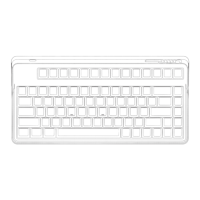
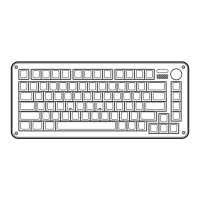
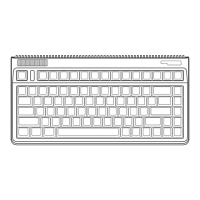
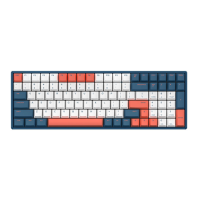
Need help?
Do you have a question about the iQunix LIME 80 and is the answer not in the manual?
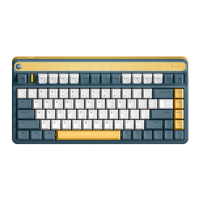
Provides key technical specifications of the L80 mechanical keyboard, including dimensions and connectivity.
Instructions for pairing the keyboard with devices via Bluetooth, detailing indicator light behavior.
Guide for connecting via the 2.4GHz receiver, including pairing steps and indicator lights.
Steps to connect the keyboard using a USB cable for wired operation.
Details combinations of the FN key with other keys for accessing various functions like browser and volume.
Explains key combinations for controlling LED lighting effects, brightness, and colors on RGB models.
Covers combinations for system layout switching, wireless modes, and battery checks.
Detailed guide on switching keyboard layouts between macOS and Windows systems using FN+TAB.
Explains LED indicators for charging status, battery levels, and charging completion in different modes.
Details LED behavior for Bluetooth pairing, re-connection, and entering 2.4GHz mode.
Describes LED indications for special states like Reset to Default and Caps Lock.
 General
| Model | LIME 80 |
|---|---|
| Type | Mechanical Keyboard |
| Backlight | RGB |
| Keycaps | PBT |
| Case Material | Aluminum |
| Plate Material | Aluminum |
| Hot-swappable | Yes |
| Switch Type | Gateron |
| Layout | 80% |
| Connectivity | Wired USB-C |
| Weight | 1.2 kg |
| Mounting Method | Gasket Mount |


 To Next Page