Three Ways of Connecting Devices
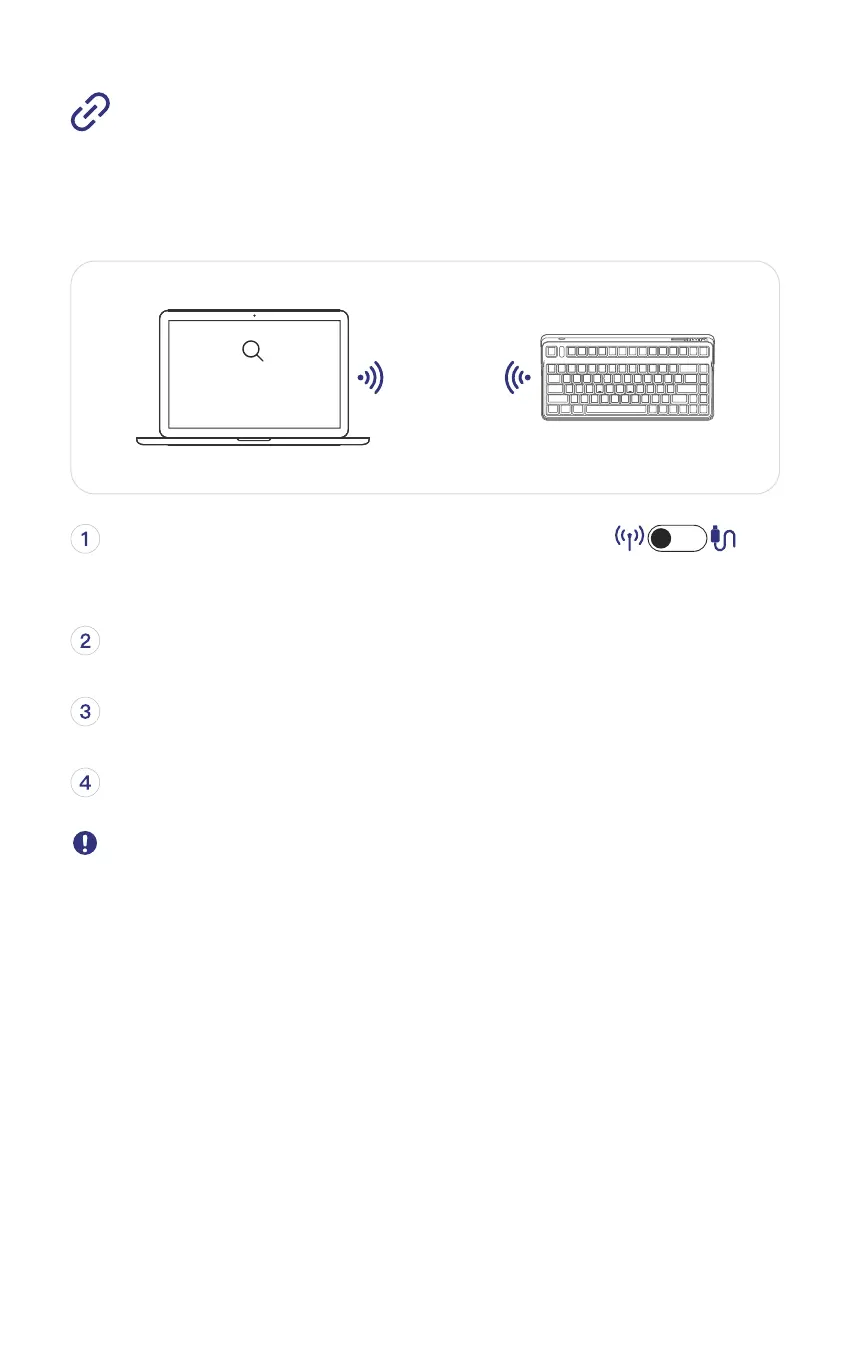
Bluetooth Connection Mode
Enable Bluetooth matching (Computer / Phone / Tablet)
Toggle the keyboard Mode Switch to wireless side
(Bluetooth matching mode on when blue light blinks.)
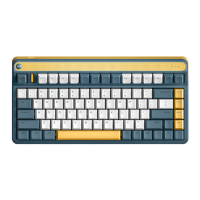
Select the matching device 【IQUNIX LIME80 BT 1】
Indicator light turning off when matching successfully.
If you need to connect a new device, please hold FN+1 for 5 seconds to
remove the previous device. When the LED indicator blinks blue light,
you can connect your device following the Step 2.
IQUNIX LIME80 BT 1
Seaching Bluetooth Device



 To Next Page