InfiRay Outdoor • Geni GL35R Series • Quick Start Guide www.infirayouordoor.com
All rights reserved and shall not be copied and distributed in any form without written permission
➢ Briefly press of the M (4) button to enter the secondary menu for more settings, including zeroing, rangefinder calibration, defective
pixels calibration, compass calibration, time setting, system information, factory reset and return to the main menu.
Zero your device
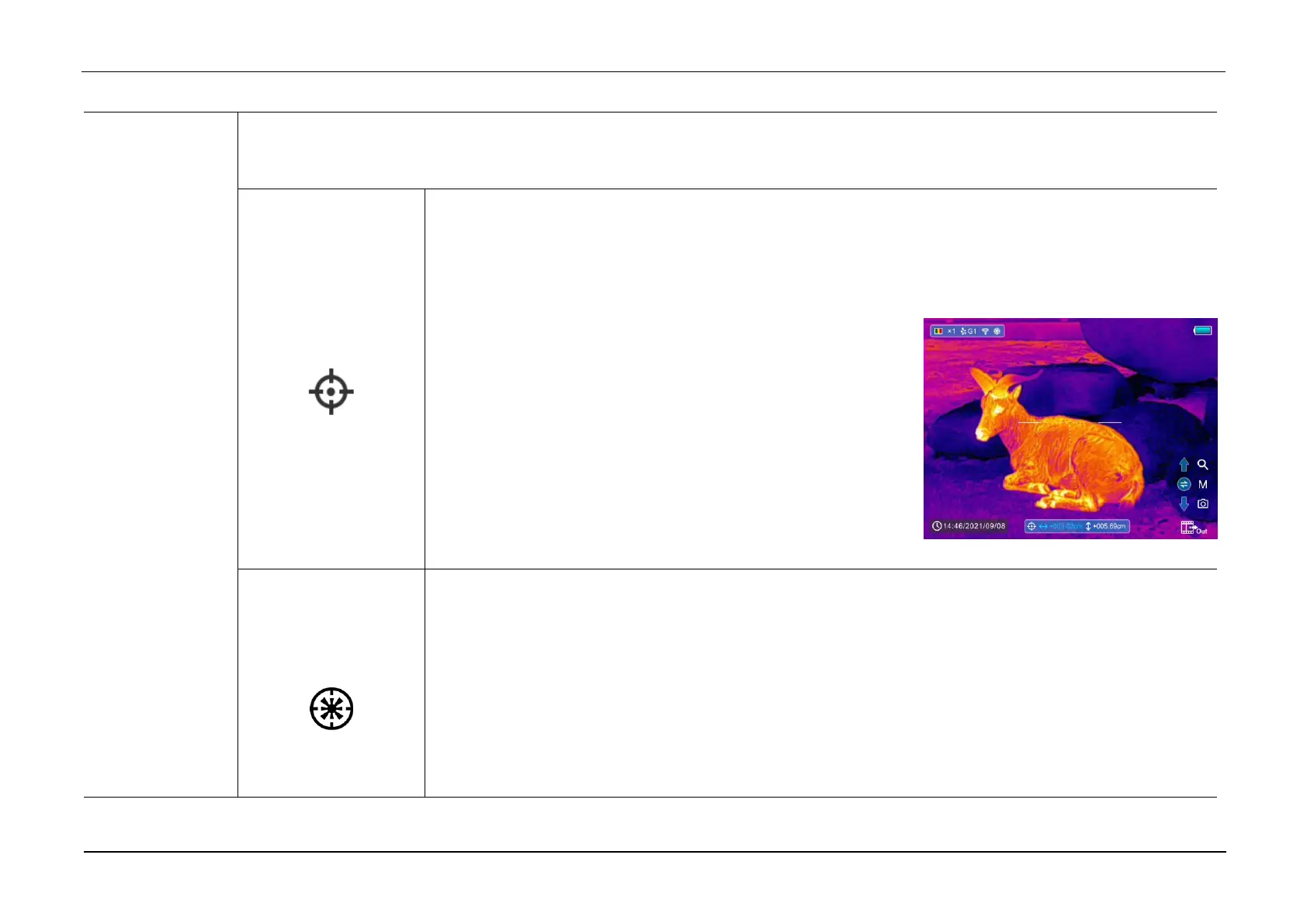
Geni series support the 100m zeroing distance. To zero your scope, you need to set a zeroing type first.
➢ Select the Zeroing option with the Z (5) / C (3) button in the More submenu.
➢ Briefly press of the M (4) button to enter the zeroing interface.
➢ Then aim the center of the reticle at the bull’s-eye 100 meters
away and shoot.
➢ Locate the bullet hole after shot.
➢ Then, zero your scope according the Section Zeroing.
➢ Press and hold the M (4) button to save and exit to the More
submenu.
Calibrate the rangefinder cursor
Generally, the scope will carry out rangefinder calibration before leaving the factory, and there is no need to
carry out correction for 1000 times of impact, but if the calibration is needed, you can refer to the following
method:
➢ Select the Rangefinder Calibration option with the Z (5) / C (3) button in the More submenu.
➢ Briefly press of the M (5) button to enter the rangefinder calibration interface.



 To Next Page