InfiRay Outdoor • MATE Series • User Manual www.infirayouordoor.com
All rights reserved and shall not be copied and distributed in any form without written permission
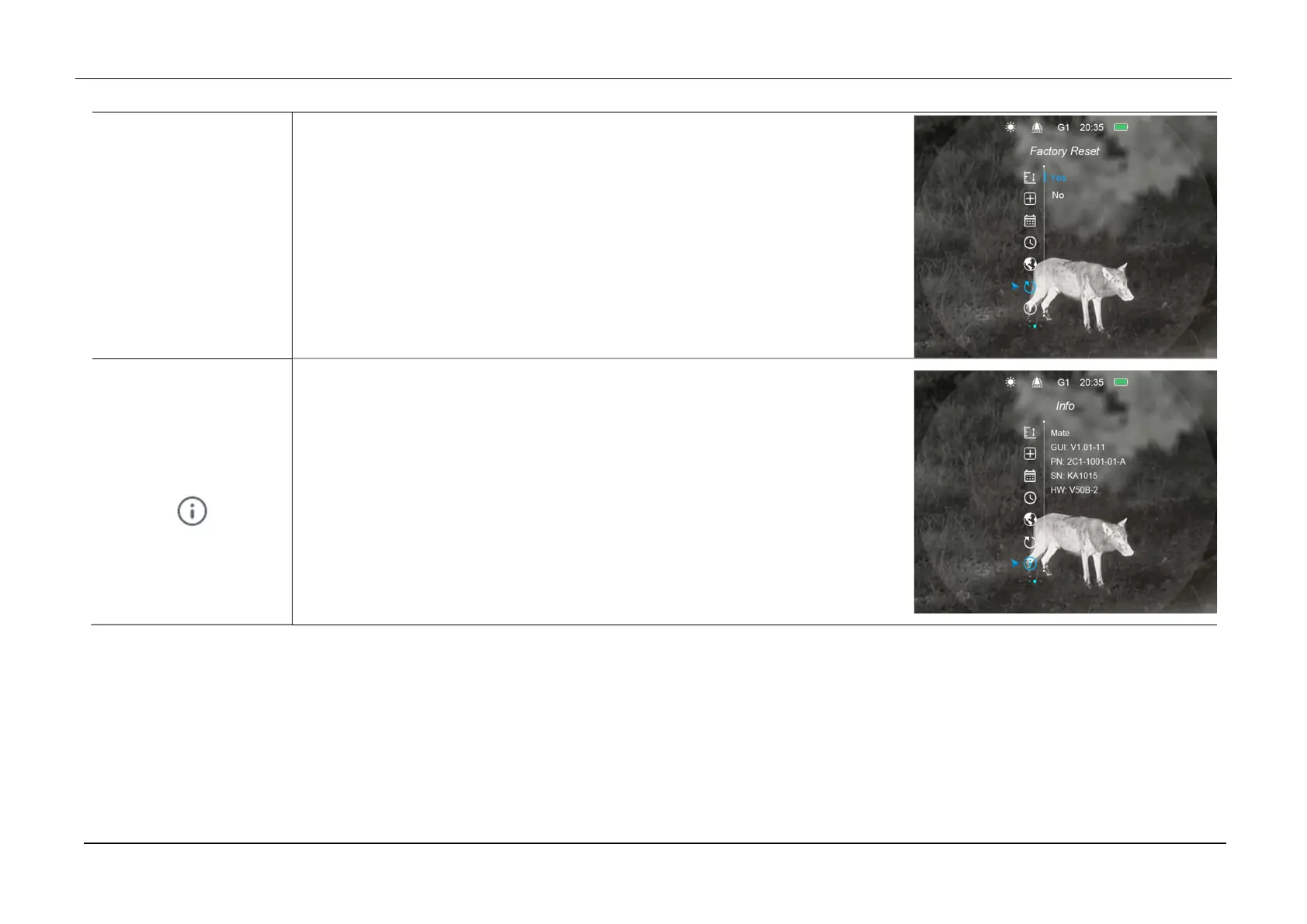
Select the Factory Reset option with the Up (6) / Down (3) button.
Press the Menu (4) button to enter the Factory Rest interface.
Press Up (6) / Down (3) button to select “Yes” or “No”.
When “Yes” is selected, MATE will restore the factory settings and restart.
When “No” is selected, it will return to the main menu interface.
Info
System Information
Press and hold down the Menu (4) button to enter the Main Menu.
Select the Info option with the Up (6) / Down (3) button.
Press the Menu (4) button to show the relevant information.
This item allows the user to view the following information: the device model,
GUI version, PN and SN number, Wi-Fi version, and FPGA version.
Press and hold Menu (4) button to exit the Info interface



 To Next Page