InfiRay Outdoor • MATE Series • User Manual www.infirayouordoor.com
All rights reserved and shall not be copied and distributed in any form without written permission
7 Description of Controls
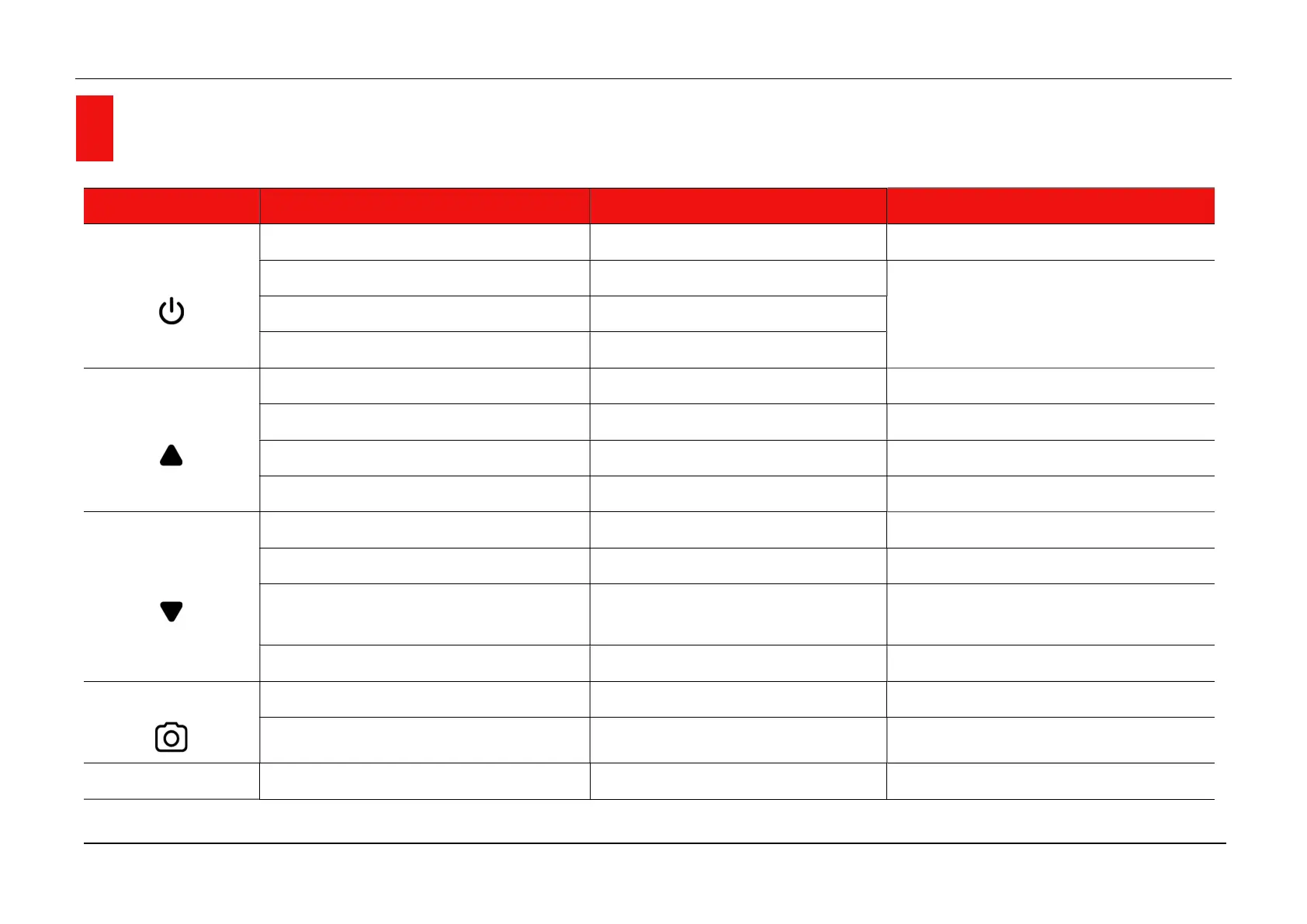
Button Current Status Short Press Long Press
Power button
Power off --- Power on the device
Home screen Standby the device
Power off the device Standby mode Wake up the device
Menu interface Save and return to the upper interface
Up button
Home screen Switch image mode Turn the range notification function on
Menu interface Scroll up options ---
Zeroing / Pixels defect correction interface Move one pixel to the Up every time Move 10 pixels to the Up every time
Range Notification interface Switch image mode Turn the range notification function off
Down button
Home screen Shutter correction Background correction
Menu interface Scroll down options ---
Zeroing / Pixels defect correction interface
Move one pixel to the Down every
time
Move 10 pixels to the Down every time
Range notification interface Loop toggles animal types Background correction
Camera button
Home screen Take a picture Video recording
Zeroing / Pixels defect correction interface Move one pixel to the Left every time Move 10 pixels to the Left every time
Menu (4) button
Home screen Enter shortcut menu interface Enter Main Menu interface



 To Next Page