User Interface
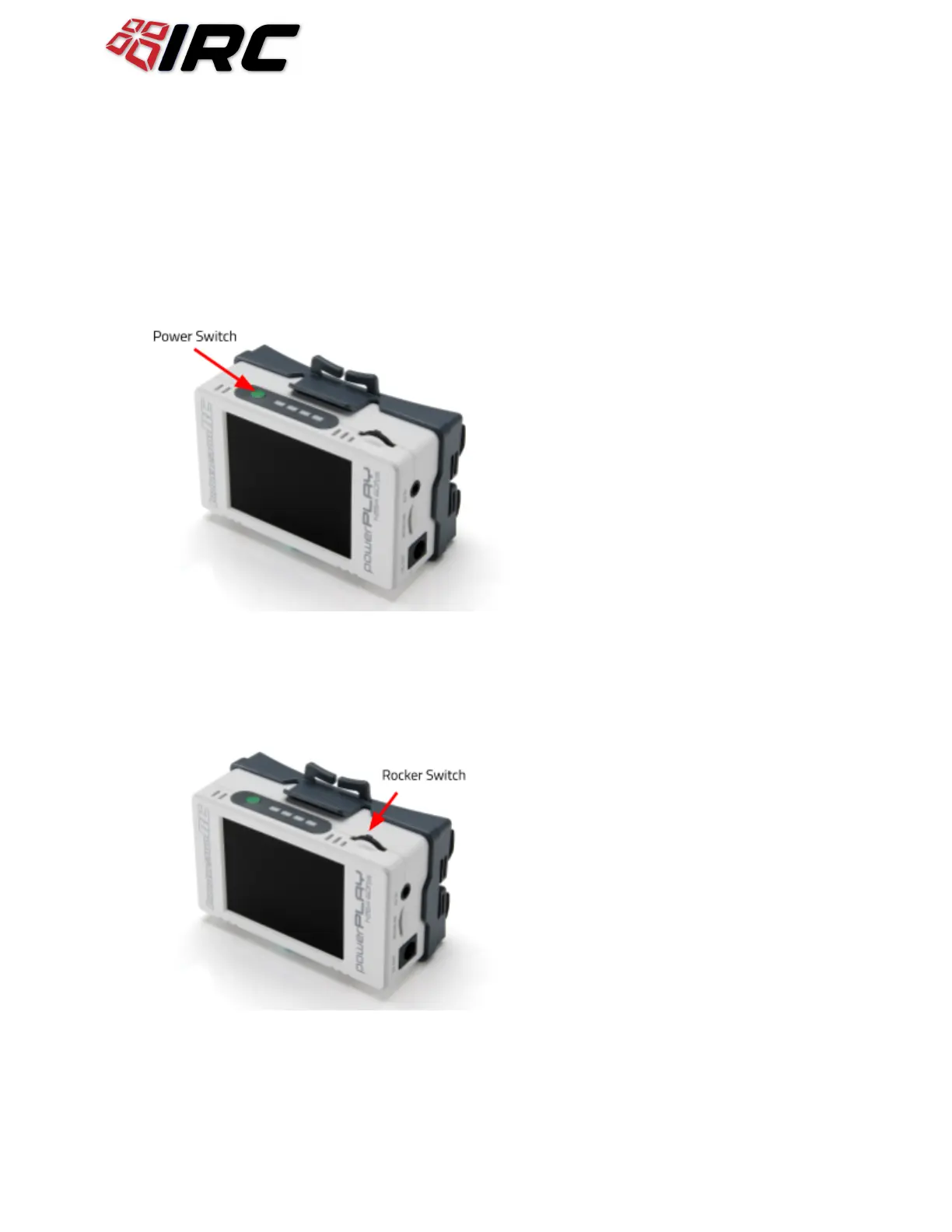
Power Switch
The power switch has three functions:
1) Short press: Show battery level
2) Long press: Power on DVR and Goggle Power
3) Short press while powered on: Enter Menu
Rocker Switch
The rocker switch is used to start the DVR recording, with a single press. It is also used to navigate
within the menus, for setup, and playback.


 To Next Page