English
4
Installation and setup
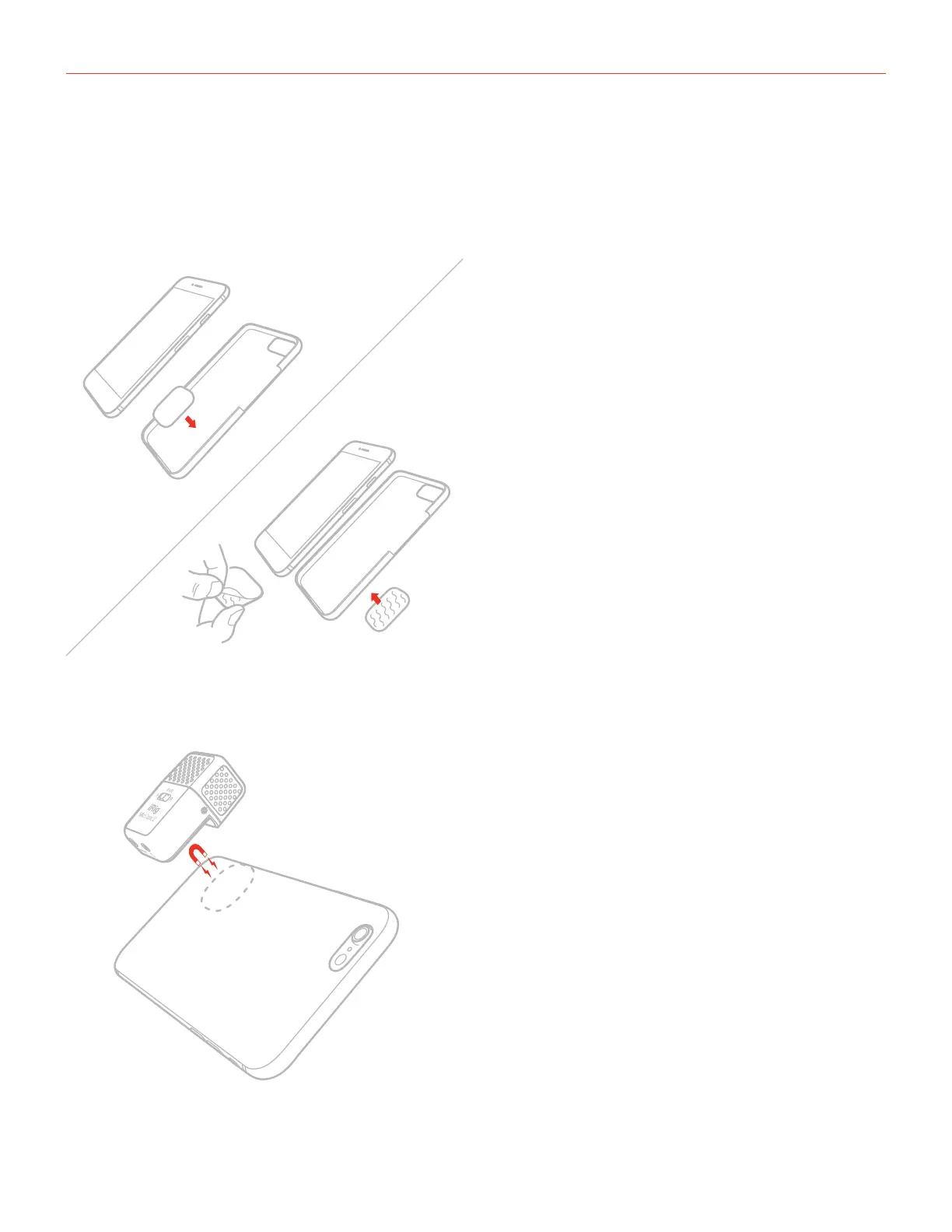
1. Fix the metal plate in the desired position on your device. You can stick the plate on the back of the device,
or you can stick it on the back of the case, or you can insert it between the device and its case. Depending
on the position and the device you’re using, we provided two different plate sizes so you can use the one
that best fits your needs.
2. Attach the iRig Mic Cast 2 over the plate: thanks to the built-in magnets the microphone will remain fixed in
place.



 To Next Page