English
5
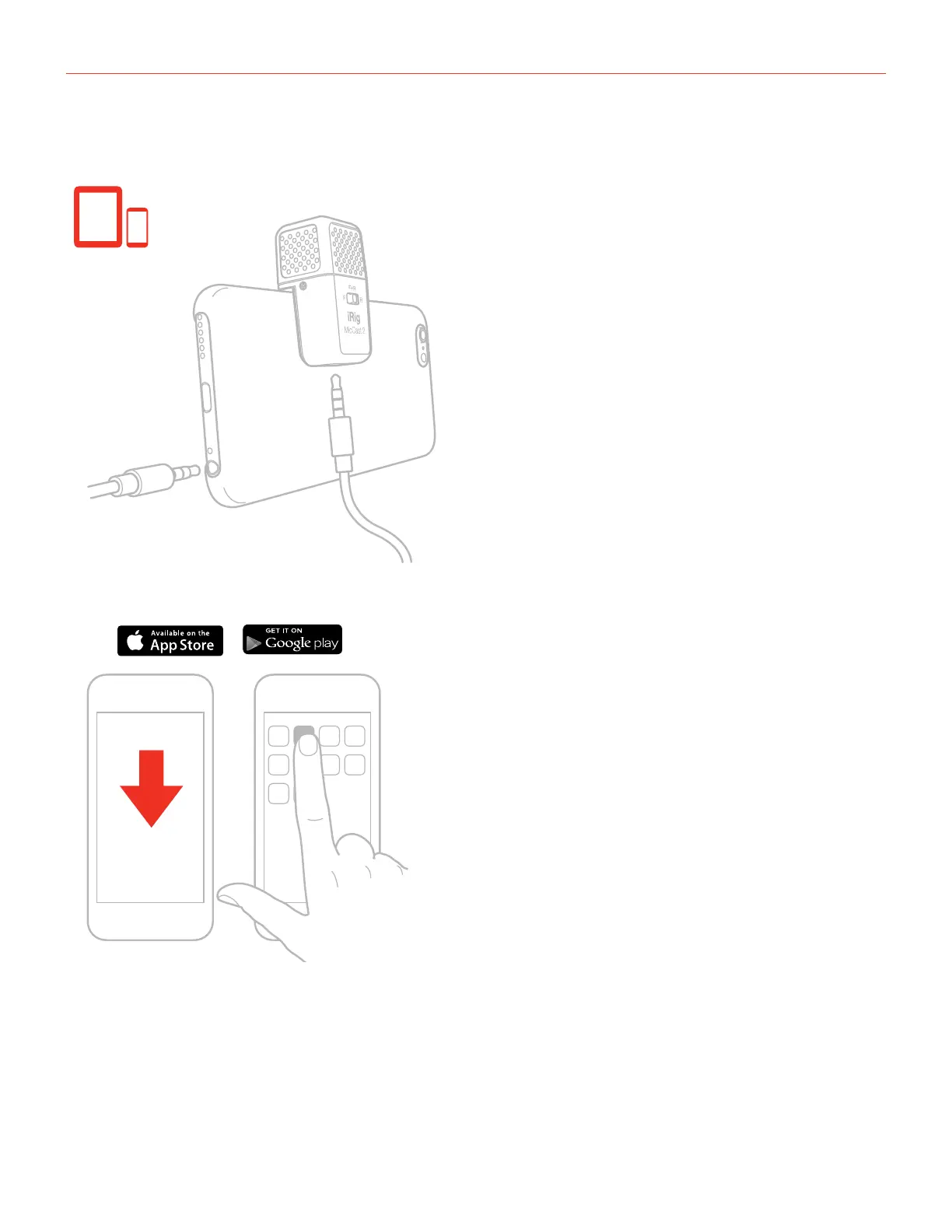
3. Connect the iRig Mic Cast 2 to the device with the included TRRS cable. Please note that smartphone
models that do not have the 3,5mm female jack require an external adapter (not included).
DEVICE
4. Download the included App and launch it.
ikdownloads.com/irigmiccast2
iRig Recorder
5. Set your device to Airplane Mode and Do Not Disturb before recording. This allows you to record with no
audio interruptions from phone calls or app notifications.



 To Next Page