English
8
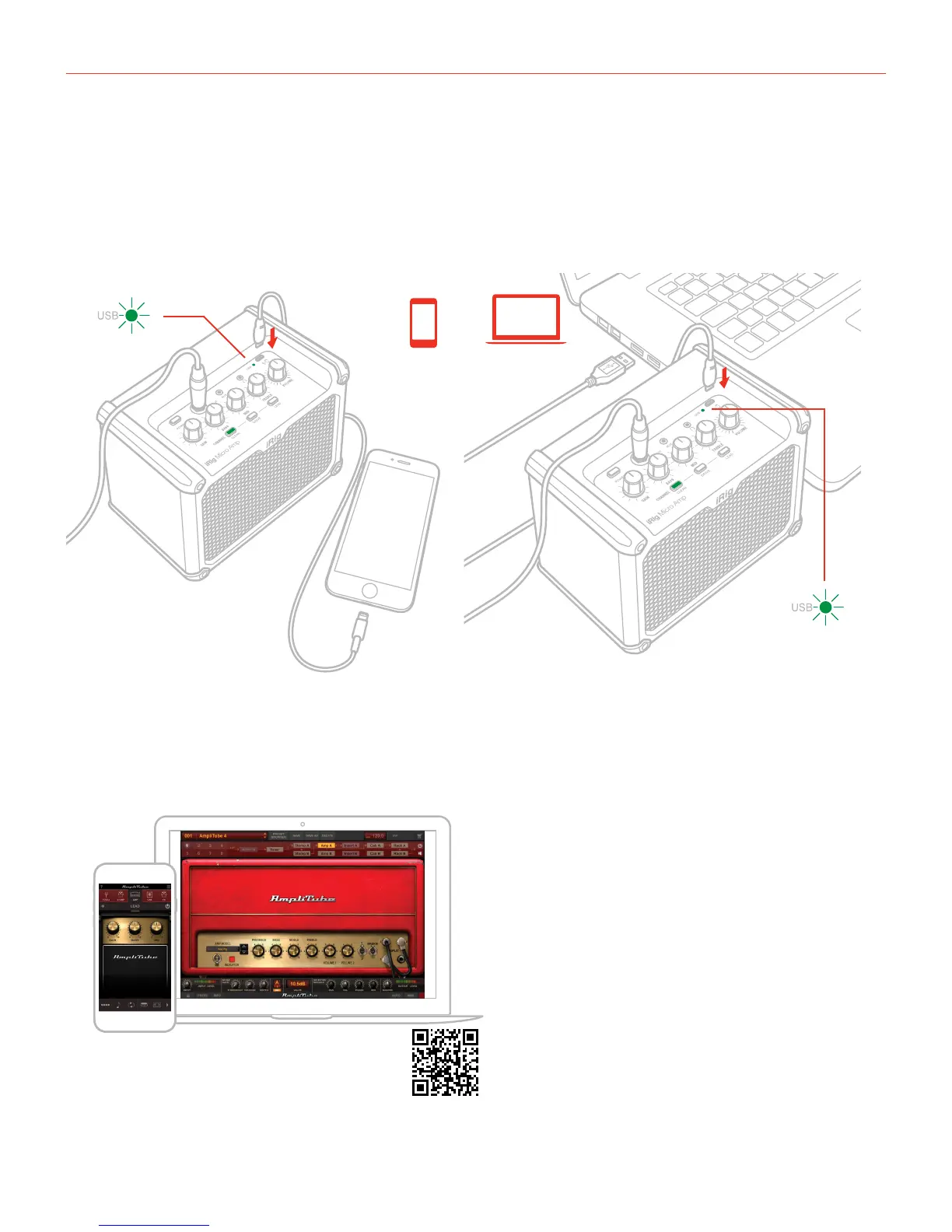
1.2 Device connected
1. Insert the AA batteries in the battery compartment or connect the (optional) PSU and turn on the unit.
2. Connect your guitar to the instrument input of iRig Micro Amp.
3. Connect the iRig Micro Amp to an iOS device or MAC/PC via the micro-USB connector. The USB LED will
light up green to indicate that the USB is connected.
4. Download and launch the App.
ikdownloads.com/irigmicroamp
AmpliTube 4 iOS/Mac/PC
FREE DOWNLOAD


 To Next Page