English English
3
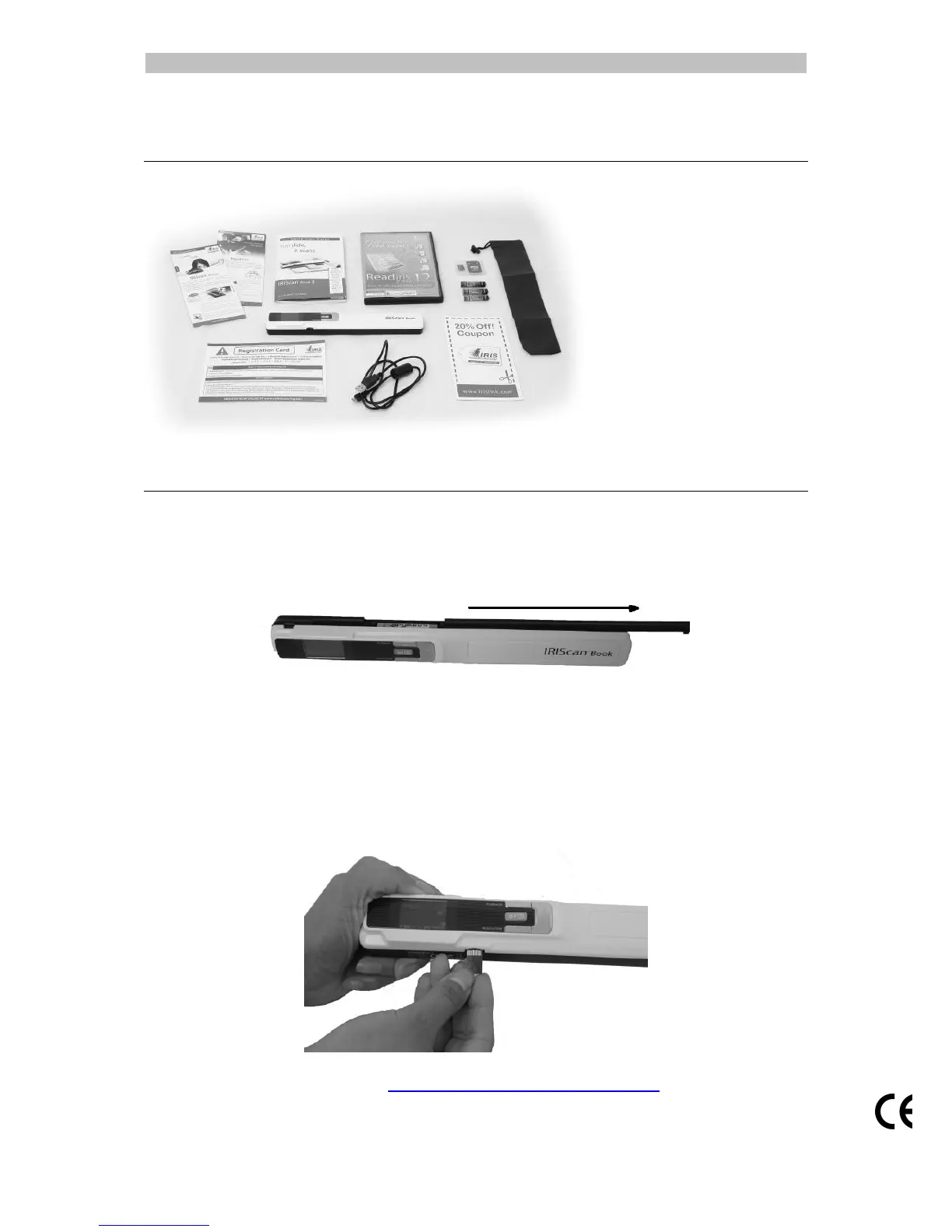
1. Check the Accessories
2. Prepare the Scanner
Insert the included batteries
1. Open the battery compartment as shown in the image.
2. Insert the 3 alkaline batteries, minding the correct polarity.
The correct polarity is shown inside the scanner.
Insert the included microSD card
1. Insert the microSD card gently into the card slot until the card is latched.
Note: on a Windows PC, the IRIScan Book can also be used without batteries or
microSD card. See the section Scan Images with IRIScan Direct for more
information.



 To Next Page