English English
1. Prepare the Scanner
Insert the included microSD card
1. Insert the microSD card gently into the card slot until the card is latched.
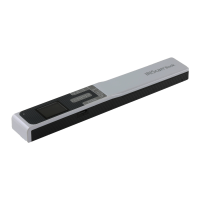
Note: on a Windows PC, the IRIScan™ Book 5 can also be used without microSD
card with the InstantResult™ software. See section 6. Scan Images, Edit them,
Convert them into Editable Text and Save them with InstantResult™ (Windows only).


 To Next Page