13
Setting Up Wi-Fi
IrisVision can be configured to connect to your Wi-Fi. A Wi-Fi
connection allows our Customer Support team to assist you
more efficiently, as well as allowing you to use Video Player
mode.
NOTE: IrisVision does not require Wi-Fi to function.
Step 1: Removing the IrisVision
Display Unit from the Headset
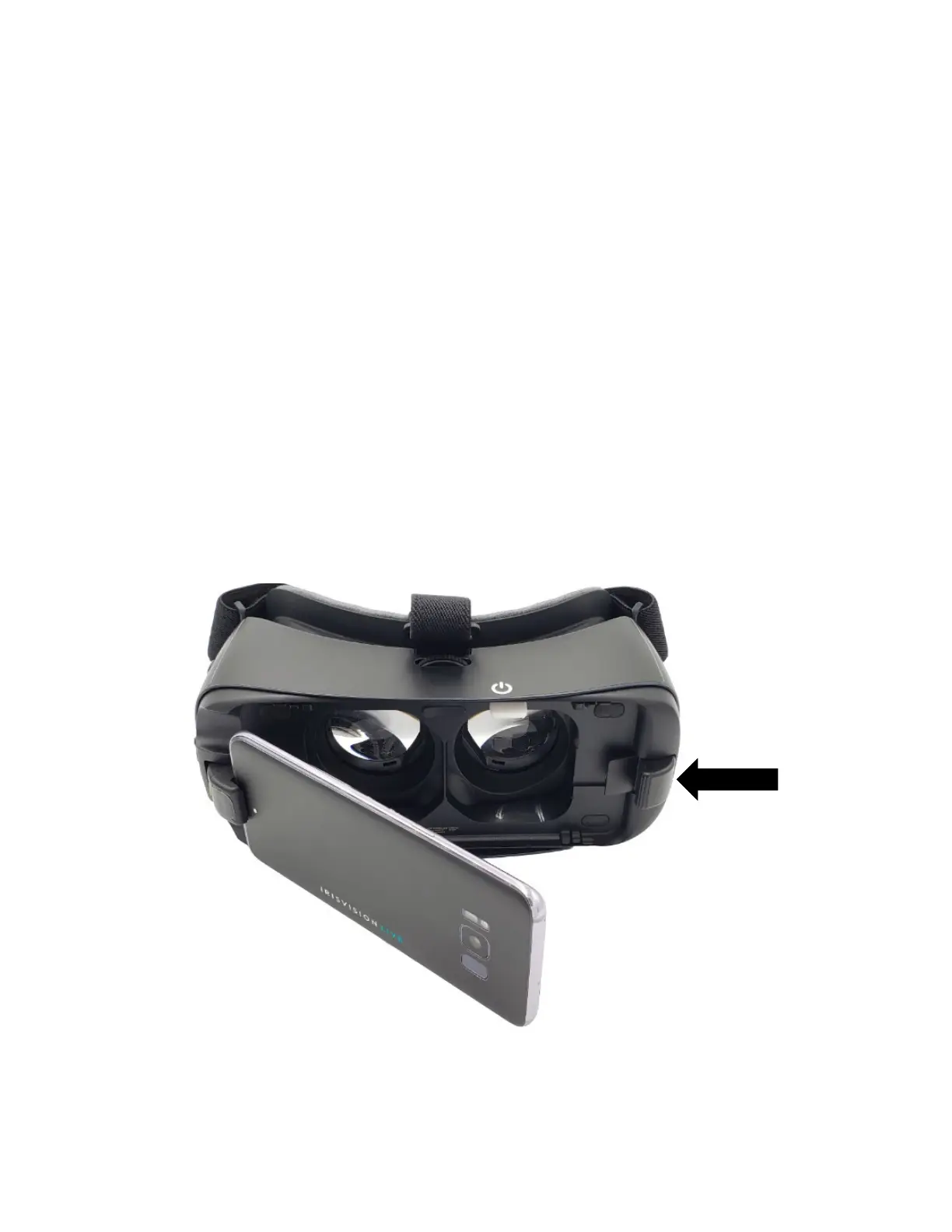
Release the IrisVision Display Unit from the headset by
pushing the clip (shown below) away from the Display Unit.
Carefully remove the Display Unit and set aside the headset.



 To Next Page