51
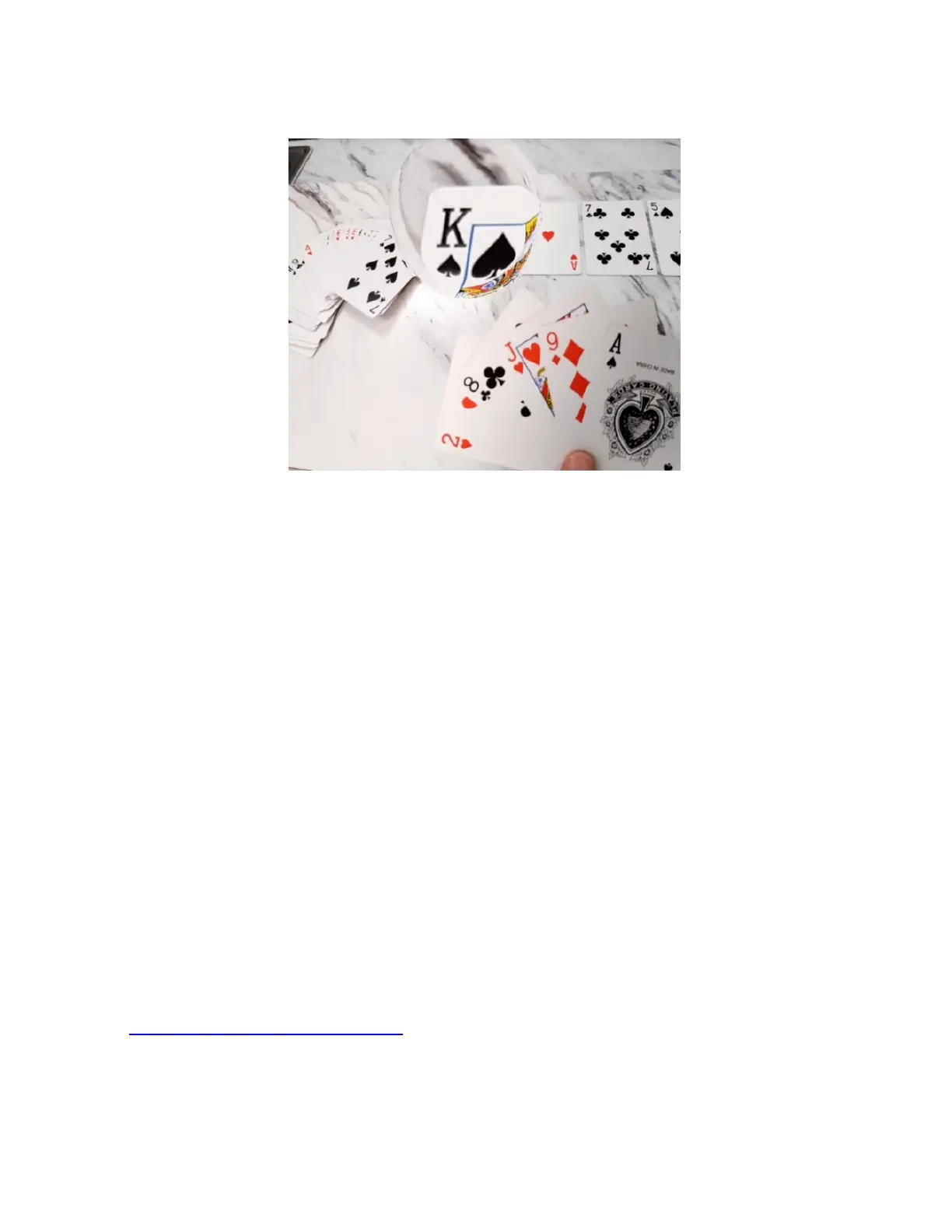
Scene Mode with Bubble
Scene mode with Bubble allows you to increase
magnification within a section of your screen. This prevents
you from losing the context of your surroundings.
1. Increase Bubble Size: Swipe up from the bottom of the
touchpad to increase the size of the bubble.
2. Decrease Bubble Size: Swipe down from the top of the
touchpad to decrease the size of the bubble.
3. Magnify Bubble: Swipe towards your ear to increase
magnification inside the bubble. Swipe away from your
ear to decrease magnification inside the bubble. Any
changes you make to magnification in this mode will
occur only in the bubble.
NOTE: To re-position the magnification bubble using the
Configuration menu, please refer to the Configuration Guide
or contact Customer Support by email at
support@irisvision.com
or by phone at +1-855-207-6665 for
assistance.



 To Next Page