EasyManua.ls Logo

IRiver iFP-120 - User Manual

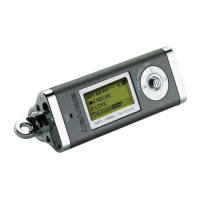
IRiver iFP-120
28 pages
Print Icon
To Next Page IconTo Next Page
Loading...
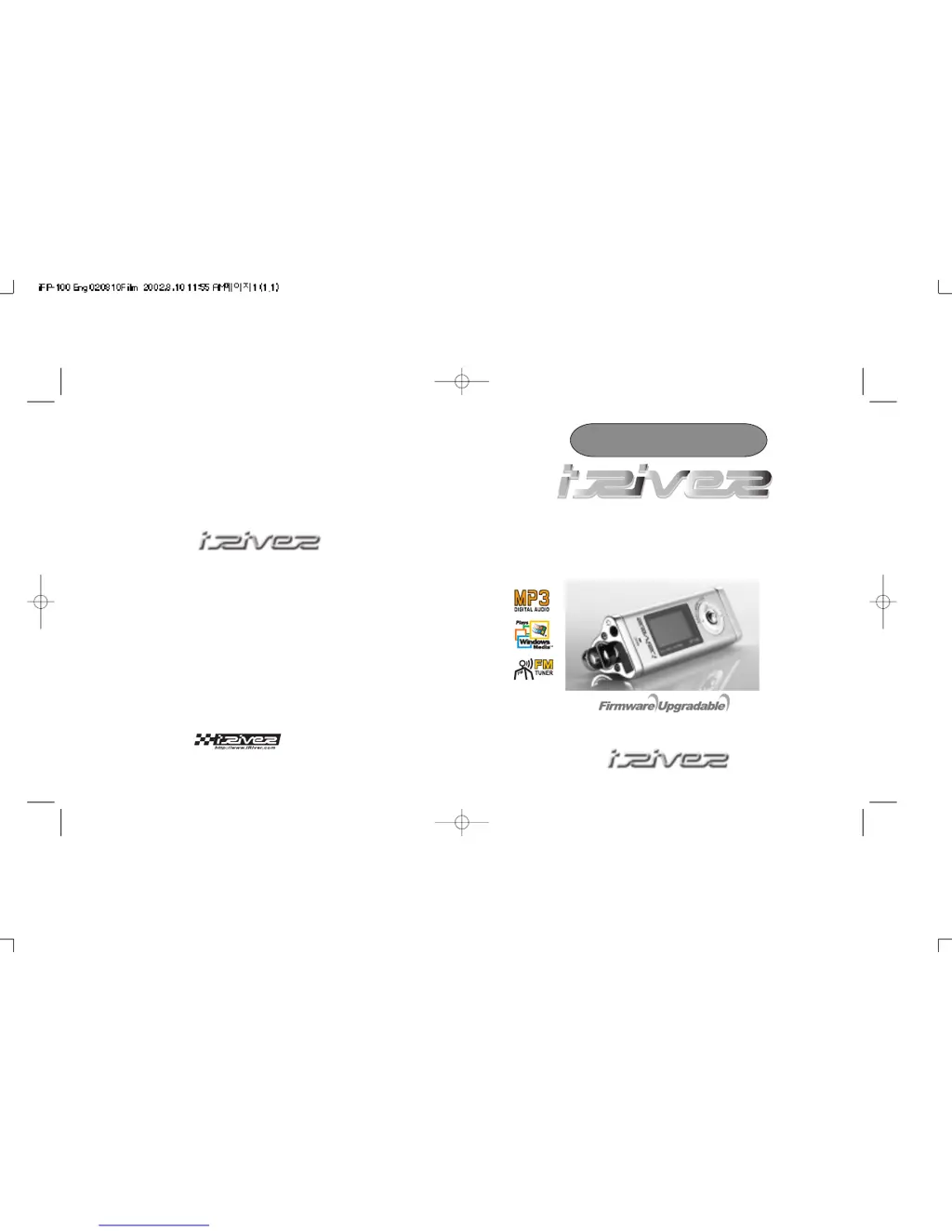
Model iFP-120/140/180T
Instruction Manual
MP3 PLAYER / FM TUNER
Model iFP-120/140/180T
Limited
http://www.iRiver.com
Thank you for purchasing our product.
Please read this manual carefully before use.

Questions and Answers

Summary

Introduction and Device Overview

FCC Certification and iRiver Information

Compliance statement regarding radio frequency interference and company/product information.

Physical Controls and LCD Display

Diagrams of buttons, ports, and explanation of the LCD screen.

Basic Operation and Navigation

Initial setup, menu navigation, and track selection.

Software and File Management

Installing Software on PC

Guide for installing the player software and manager program.

File Transfer Operations

How to download, upload, and delete files on the player.

Audio Features and Playback

Listening to Music

Steps for connecting accessories and playing music files.

FM Tuner and Recording

Operating the FM tuner and recording audio.

Playback Modes, Program, and EQ

Explanation of playback options, playlists, and audio settings.

System Settings and Safety

Menu Operation and Configuration

How to navigate and change player settings via the menu.

Power, Troubleshooting, and Safety

Battery, issue resolution, safety precautions, and usage.

Specifications

Technical details and performance characteristics of the player.

IRiver iFP-120 Specifications

General IconGeneral
Storage Capacity128 MB
Audio Formats SupportedMP3, WMA
Battery LifeUp to 20 hours
DisplayLCD
USBUSB 1.1

Related product manuals