EasyManua.ls Logo

IRiver iFP-390T - User Manual

IRiver iFP-390T
36 pages
Print Icon
To Next Page IconTo Next Page
Loading...
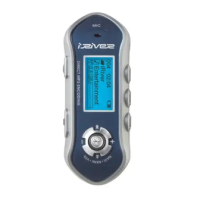
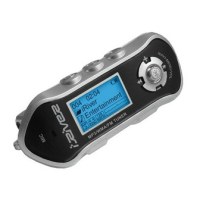
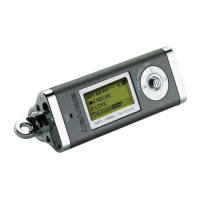
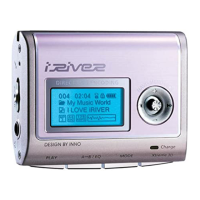
iFP-300 Series
Instruction Manual
MP3 PLAYER/FM TUNER
Model iFP-300 Series
Thank you for your purchase.
Please read this manual carefully
before using your new player.
www.iRiver.com
www.iRiver.com
All manuals and user guides at all-guides.com
all-guides.com
Question and Answer IconNeed help?

Do you have a question about the IRiver iFP-390T and is the answer not in the manual?

Summary

Locating Player Controls

Basic Operation and Navigation

Software Installation

Installing iRiver Music Manager

Guides through installing the iRiver Music Manager software from the CD.

Connecting Hardware Driver

Explains how to connect the player and install the necessary hardware driver.

File Transferring

Downloading Files to Player

Guides on transferring music files from a PC to the iRiver player.

Uploading Files from Player

Explains how to transfer recorded files or music from the player back to a PC.

Audio Playback

Listening to Music

Steps for connecting earphones and starting music playback.

Recording Functions

Power Supply and Maintenance

Inserting and Replacing Battery

Step-by-step guide on inserting and replacing the player's battery.

IRiver iFP-390T Specifications

General IconGeneral
BrandIRiver
ModeliFP-390T
CategoryMP3 Player
LanguageEnglish

Related product manuals